
Filter by name
Type in Filter locations above the tree. The tree shows every location whose name contains what you typed, with the matching letters highlighted, plus the locations above each match so you can see where it is.
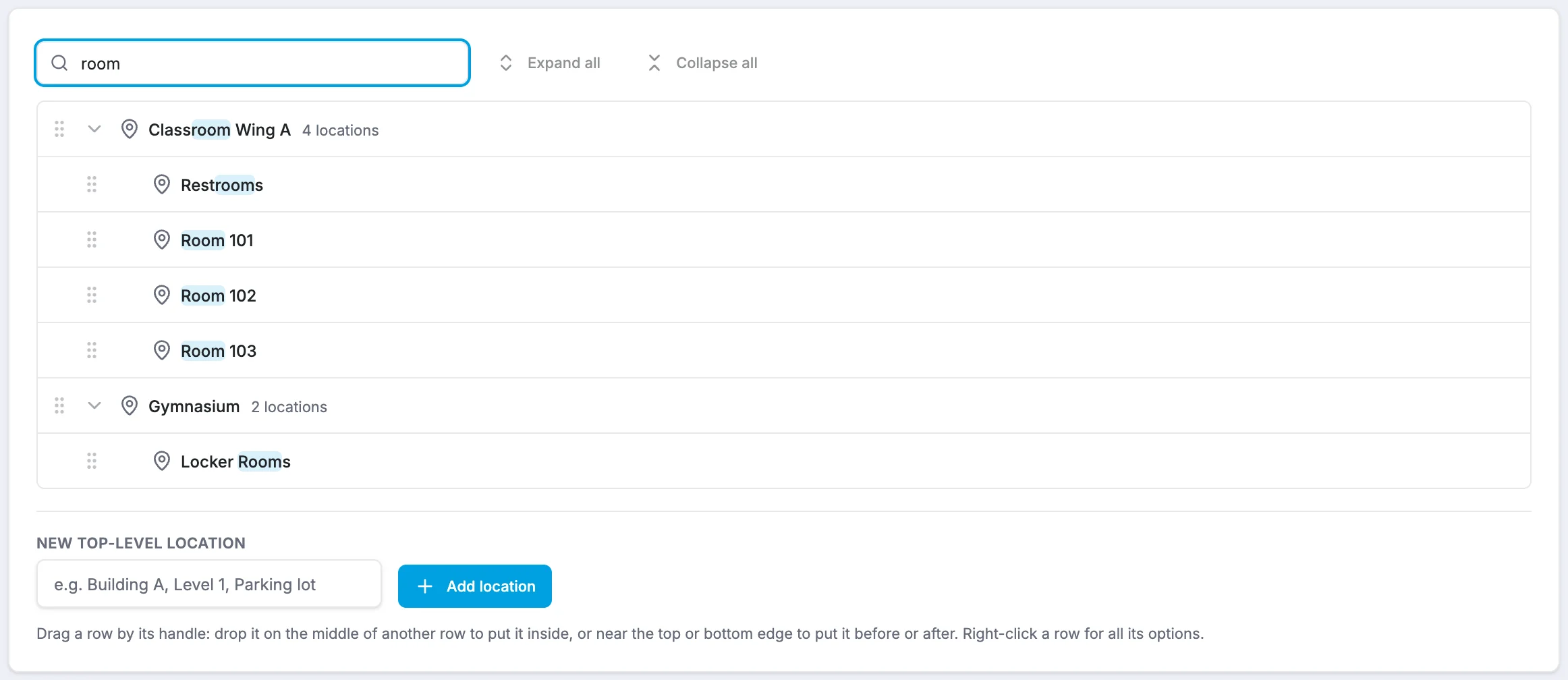
Clear the box to see the whole tree again. If nothing matches, the tree says No location matches "…".
Open and close branches
- Click the arrow beside a location to open or close it.
- Expand all opens every branch; Collapse all closes them all, leaving only the top level.
When you first open the page, the top-level locations are open. The tree remembers which branches you opened while you work, and when you add, rename or move a location, the tree opens to it.
Hovering for the full path
Point at a location's name to see its full path, such as Classroom Wing A › Room 102.