
- Open Locations in the project sidebar.
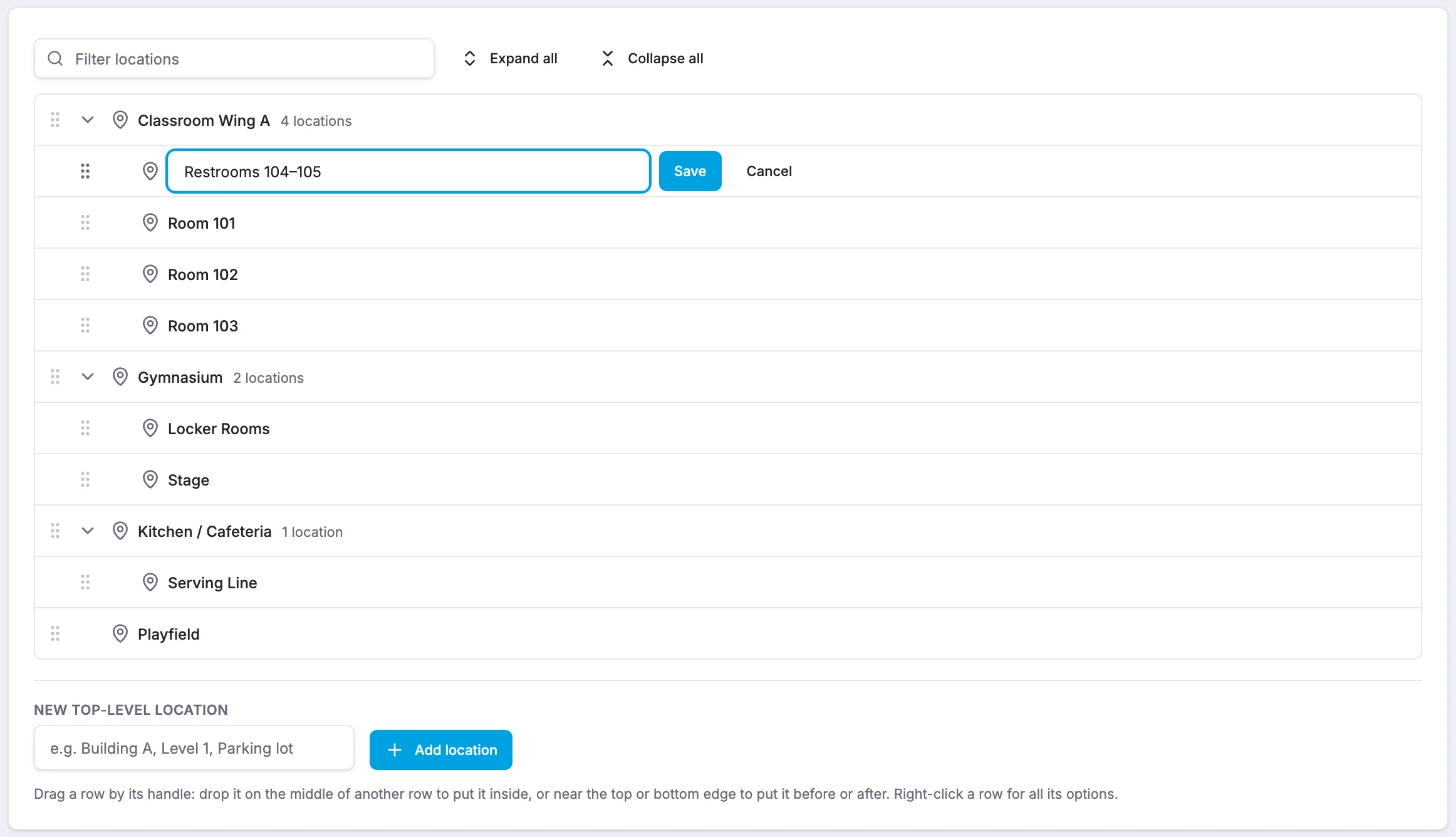
- Point at the location and click Rename. You can also double-click the row, or right-click it and choose Rename.
- Change the name and click Save, or press Enter. Press Esc or click Cancel to leave it as it was.
The page says Renamed to "…", with the location's full path.
Renaming a location also changes the path of everything under it. Records that point to the location, or to anything under it, show the new name.
The same naming rules apply as when you add one. In particular, the new name can't match another location in the same place. See Add a location.