
A good caption makes a photo useful later: what it shows, where, and why it was taken (e.g. "Level 2 slab before the pour, grid C–D").
- Double-click the photo to open it.
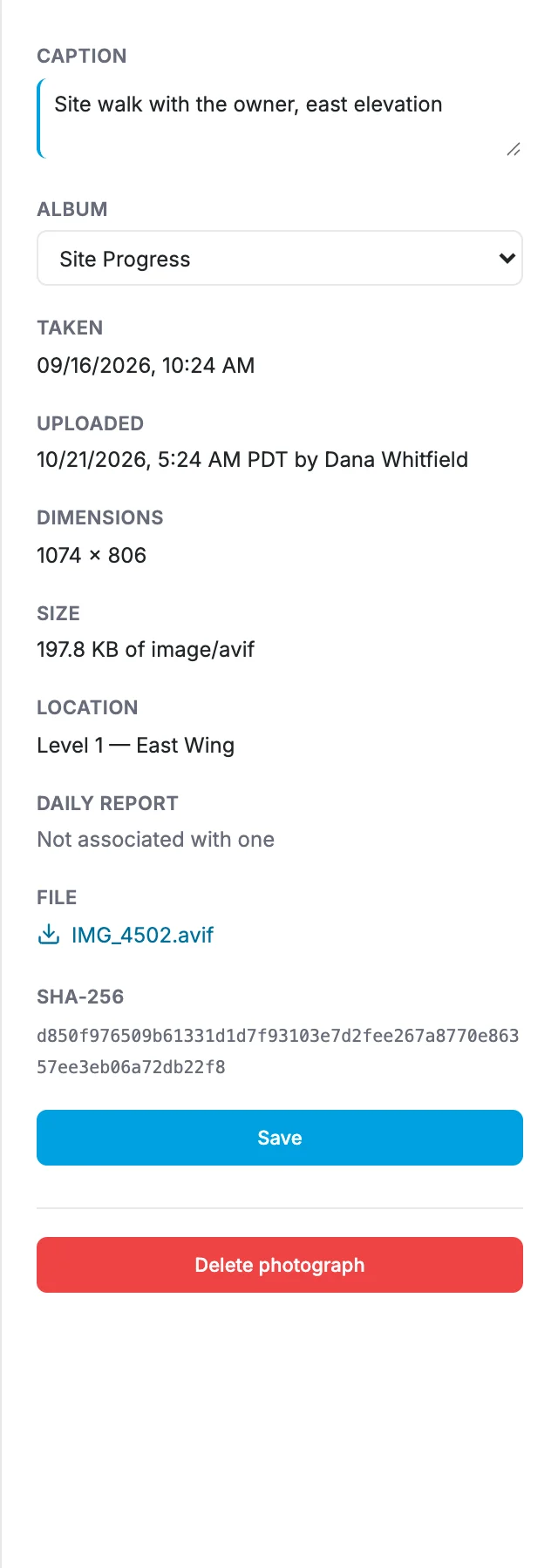
- In the panel on the right, type in Caption (up to 1,000 characters). To remove the caption, clear the box.
- To move the photo, choose another Album, or No album (Unfiled) to take it out of its album.
- Click Save.
The panel says Saved.
Good to know
- Nothing is saved until you click Save. If you page to another photo first, your change is lost.
- The Taken date and Location are set at upload and can't be changed here.
- A photo in the Trash can't be edited. Restore it first. See Delete photos and restore them.
- To move many photos at once, see Move photos to another album.
- With Read access only, the caption and album are shown but can't be changed, and there's no Save button.