
Every group can be renamed or deleted, including the standard ones StruXure set up.
Rename a group
- Go to Settings → Permissions and click the group.
- In the Name and description card at the top, change the Name or the Description.
- Click Save name.
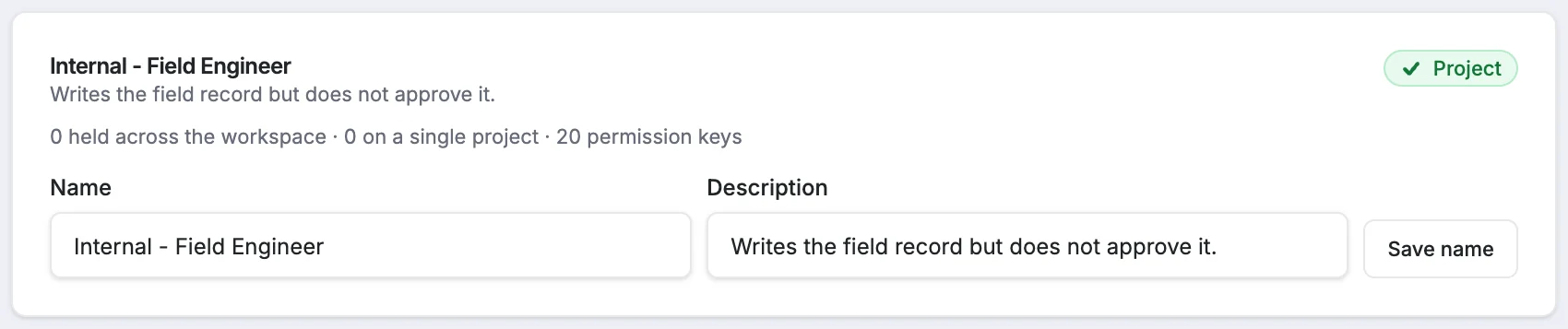
The page says Renamed to “…”. Renaming doesn't change anyone's access. A rename is recorded in the activity log.
Delete a group
- Go to Settings → Permissions and click the group.
- In the Danger area at the bottom of the page, click Delete group.
- Read the confirmation and click Delete group.
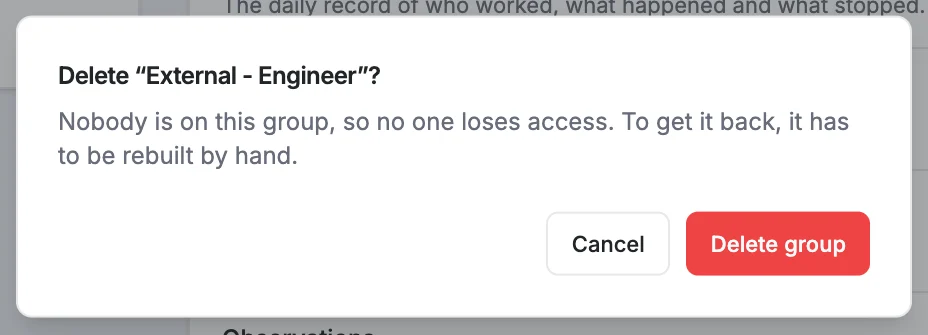
The page goes back to the list of groups and says Group deleted. Deleting is permanent: to get the group back, you'd have to create it again and set its levels by hand.
Note
A group can't be deleted while anybody is on it, as an organization group, on a project, or as someone's default project access. The page says People are still on this group. Move them to another one first. Use Access review to find who holds it, and change their group in the Directory first.