
- Click Reports in the workspace sidebar.
- Click a report's tab under the title, or click All reports at the right of the tabs.
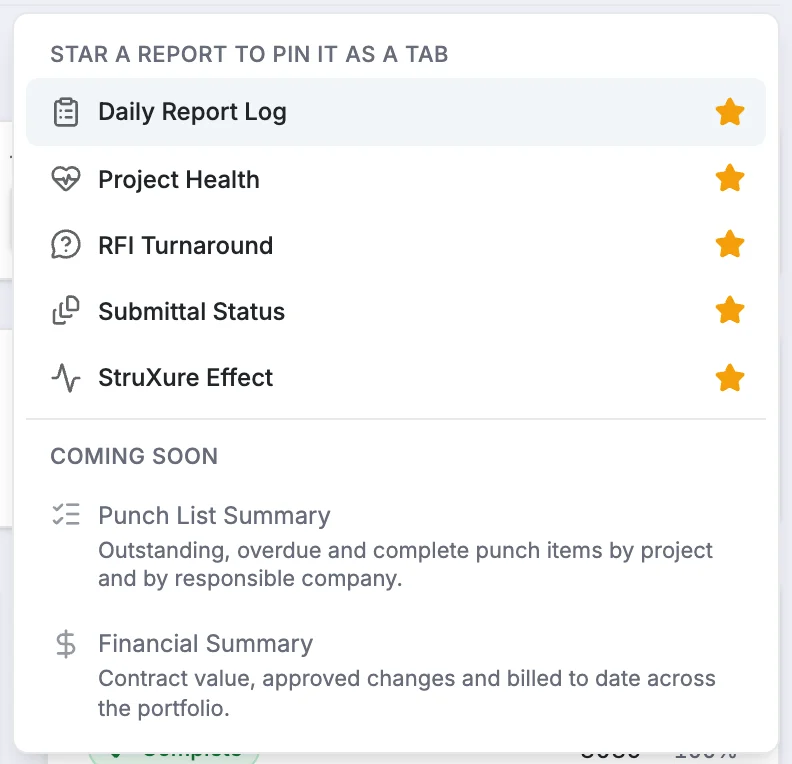
- In the menu, click a report's name to open it.
The number beside All reports counts every report listed in the menu. The menu closes when you click outside it or press Esc.
Opening a report that isn't a tab
If you open a report you haven't starred, it still gets a tab while you're on it. It appears after a short divider at the end of your tabs, so you can always see where you are. It goes away when you move to another report, unless you star it.
Reports you won't see
- Project Health and StruXure Effect appear only for people with the Portfolio level of Reporting.
- A report for a module your workspace doesn't use isn't listed.
- Reports under Coming soon have no figures yet and can't be starred.
Each report's address can be bookmarked or shared. If someone opens a Project Health or StruXure Effect link without the Portfolio level, they get a "not found" page.