
- Open Reports and click the Project Health tab, with Projects selected.
- Set the filters and click Apply, and sort the table the way you want it printed.
- Click PDF Report at the right of the filters.
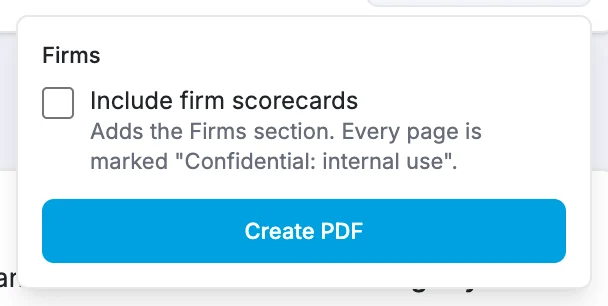
- Tick Include firm scorecards if you want the Firms section too.
- Click Create PDF.
The PDF opens in a new tab, in landscape, ready to save or print.
What's in it
- The filters you applied and the date the figures are from.
- The headline, the totals, and Where each project sits.
- Outside the normal range: the projects marked Needs attention and Ahead.
- Health score by project, sorted as on screen.
- With Include firm scorecards: the Firms table after it, and "Confidential: internal use" on every page.
The PDF uses the filters and sort you last applied, not choices you've changed but haven't applied yet. The PDF Report button isn't shown on the Firms tab, or when no project is scored.