
Use the calendar to see at a glance which days have been reported, which are still open, and which are waiting for approval.
- Open the project's Daily Reports.
- Click the Calendar tab.
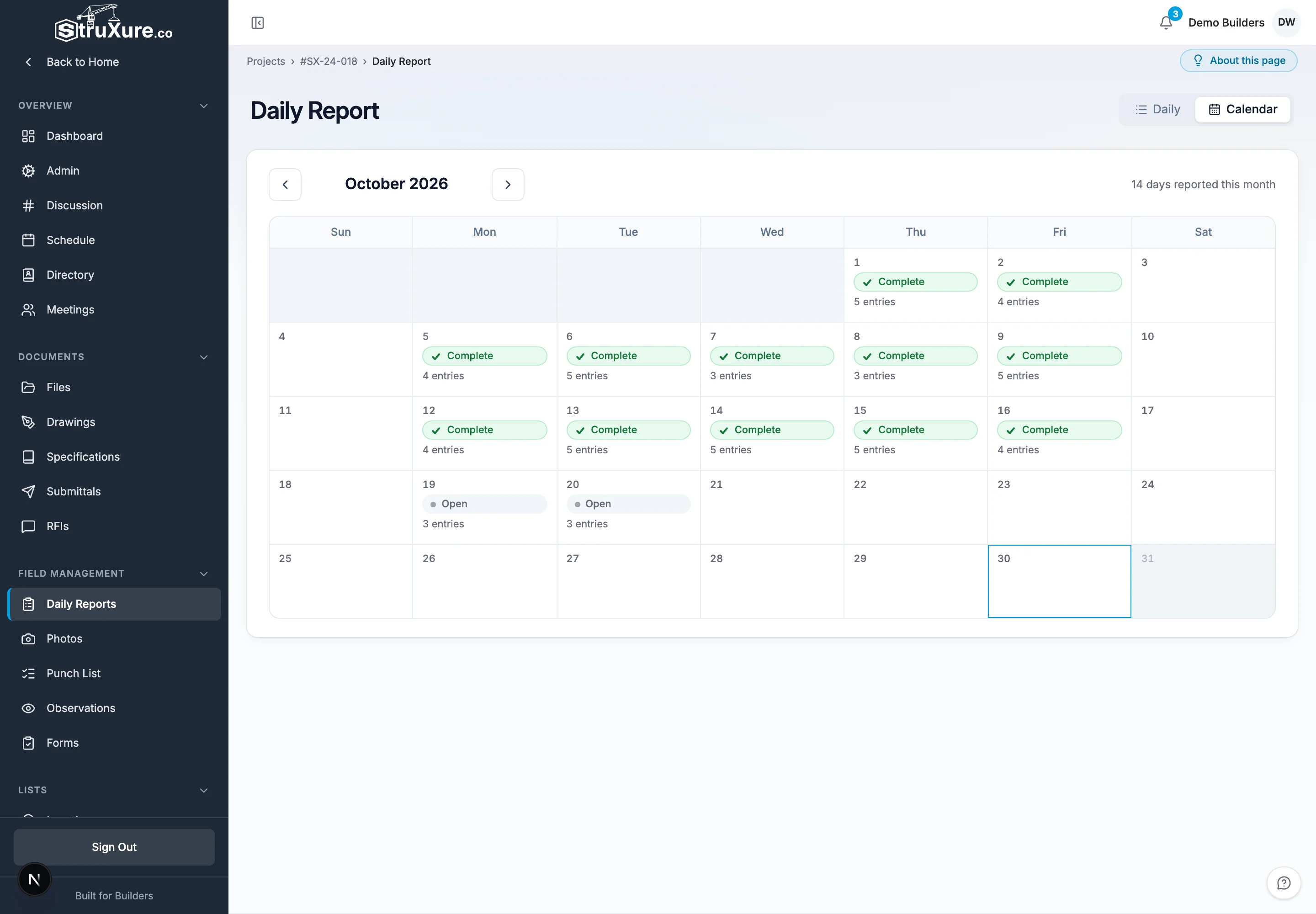
Each day that has a report shows its status (Open, Submitted, Sent Back, Approved or Complete) and how many entries it has. Days with nothing recorded are blank. Days still to come are greyed out. The top right says how many days were reported that month.
- Use the arrows beside the month name to go to the previous or next month.
- Click a day to open its report on the Daily tab.
Tip
A gap on a weekday usually means nobody wrote that day's report. Click the day to open it and fill it in.