
A finished day (Complete or Approved) has a Distribute button. Use it to send the day when it wasn't sent at the time, for example because nobody was chosen or the email couldn't be delivered, or to send it to someone else later.
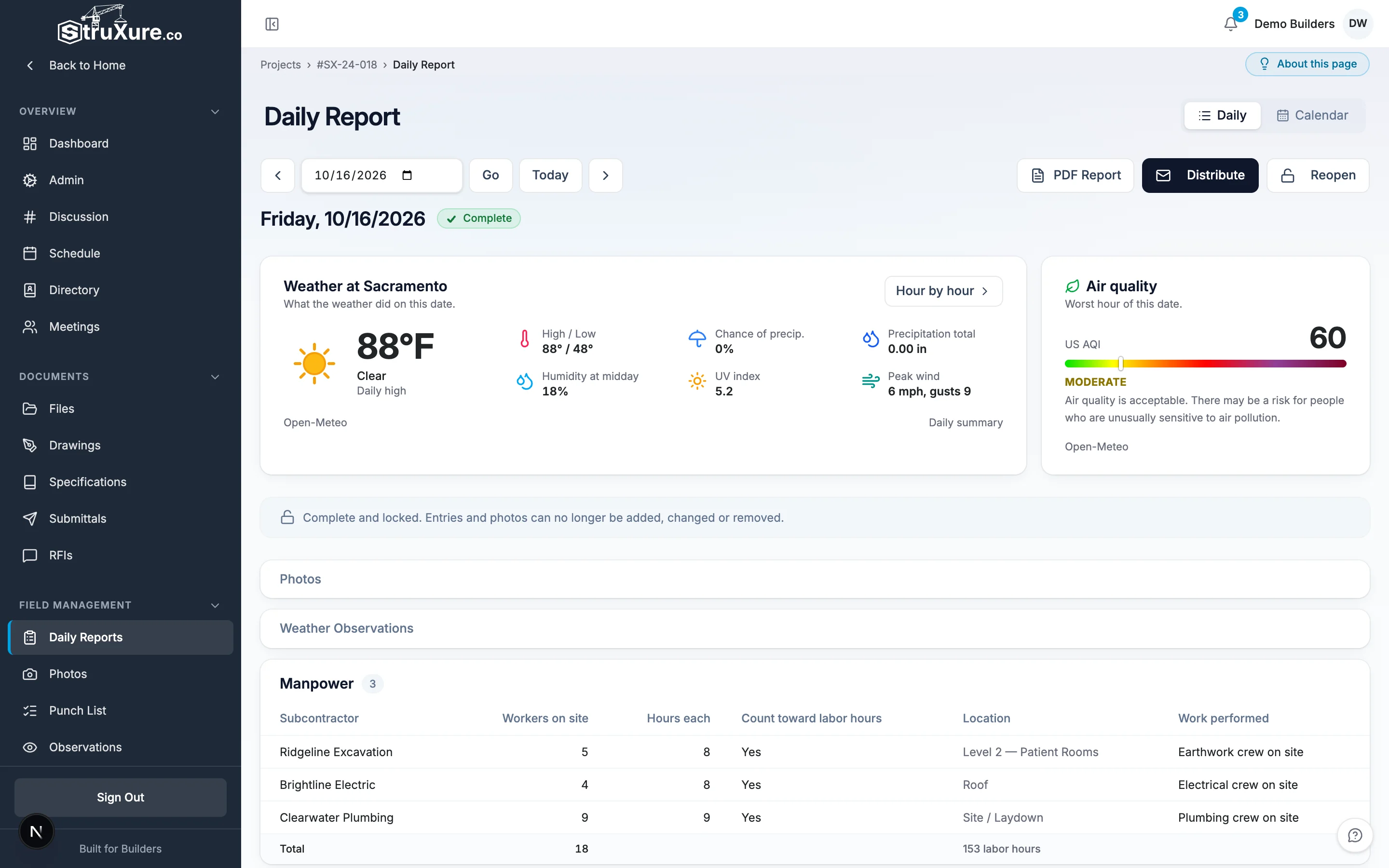
Send it for the first time
- Open the day and click Distribute.
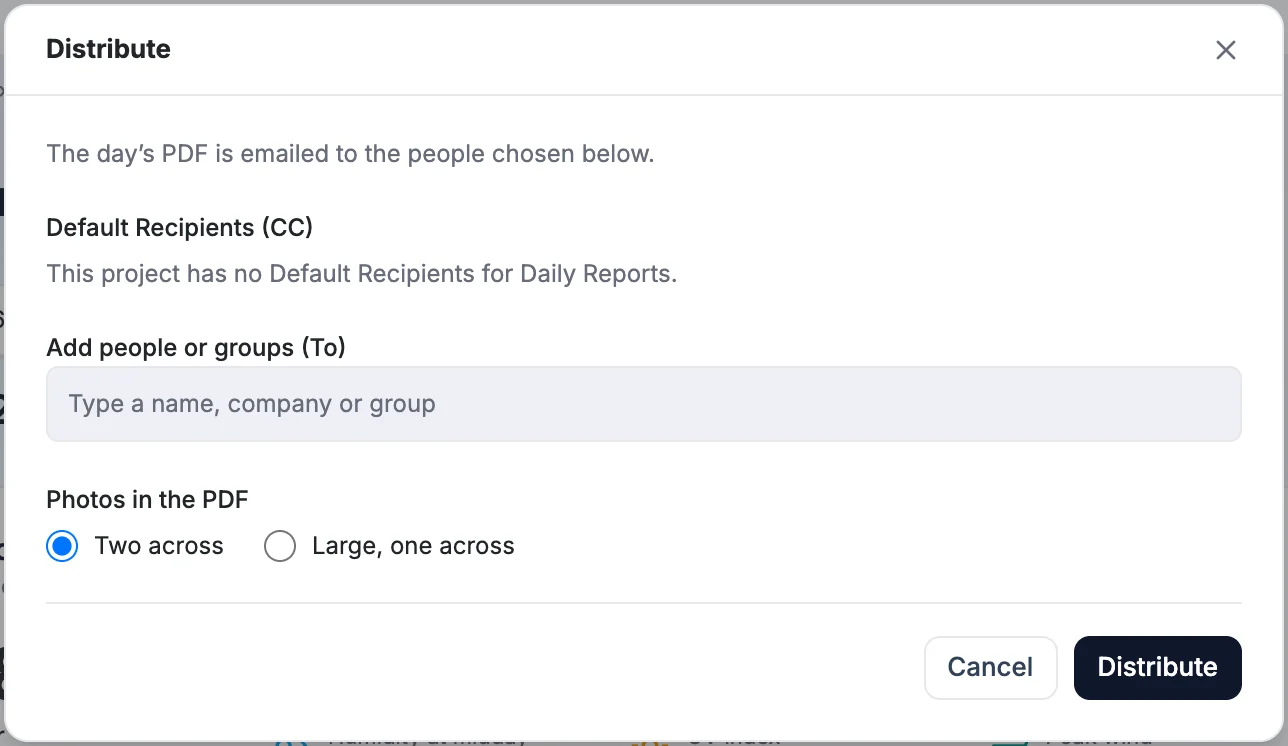
- The dialog starts with the recipients chosen when the day was finished, or the project's Default Recipients (CC) if nobody was. Untick or add people as needed.
- Choose the Photos in the PDF layout.
- Click Distribute.
Send it to more people later
Once a day has been sent, the button is Distribute again. The dialog starts with nobody ticked: only the people you pick get this email, not everyone again. Click Distribute again to send.
See who it went to
The Distribution panel at the bottom of the day lists each send: Distributed to whom, and when. A send after the day was reopened starts with Revised. If an email couldn't be delivered, the line says so.
Download links
When the PDF was too big to attach, each person got their own download link. Project admins see each link's state under its send: whether it works, has expired (after 30 days), was revoked, or was replaced by a revised send, and how many times it was downloaded.
To stop one person's link working, for example if it went to the wrong address:
- Click Revoke beside their name.
- Confirm with Revoke link.
That link stops working for good. Everyone else's link keeps working.