
Deleting moves sections, a spec book revision or a whole spec book to the project's Specifications recycle bin. Nothing is lost: they keep their revisions, files and history, and can be restored.
Delete sections from the register
- Tick the sections and click Delete (…).
- The confirmation lists the sections and says whether any submittals link to them.
- Click Delete section (or Delete N sections).
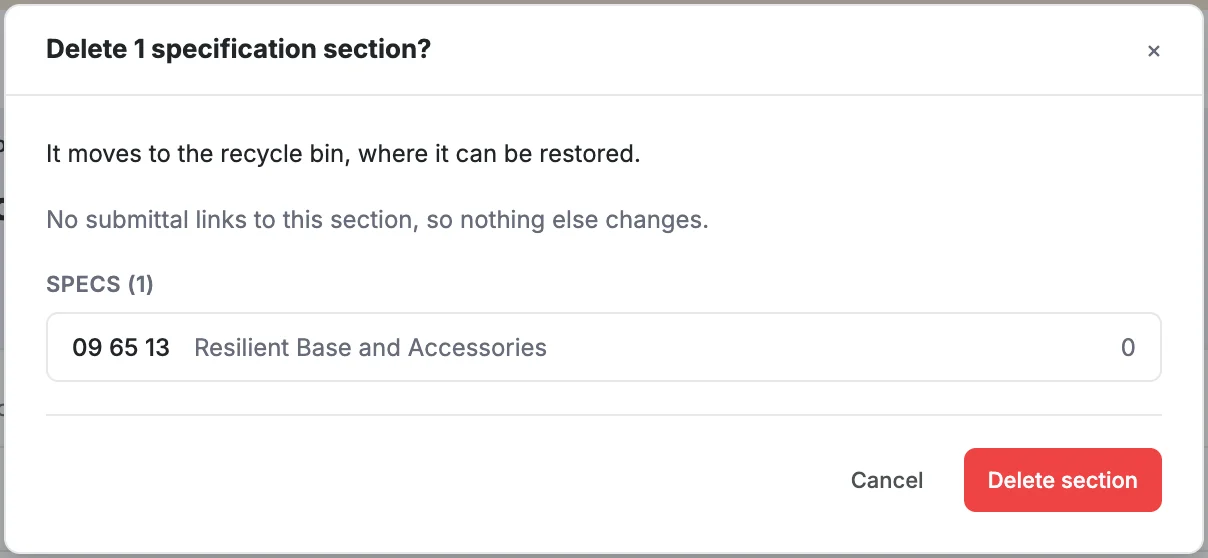
The register says N sections moved to the recycle bin.
Delete one section from its page
- Open the section, click ⋯ at the top of the page, then Delete.
- Confirm with Delete section.
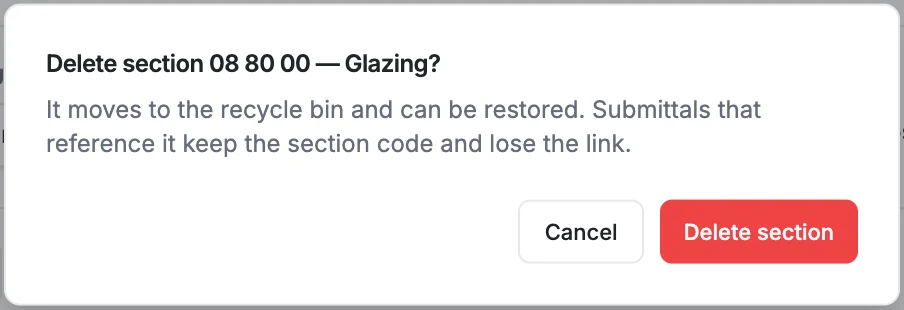
What happens to linked submittals
Submittals that point at a deleted section keep its code and name, so they still read correctly, but lose the link to it. Restoring the section puts the link back, unless the submittal has been pointed at a different section in the meantime. The confirmation tells you how many submittals are affected before you delete.
Delete a spec book revision
Each uploaded file on the Spec Books tab is one revision of its book.
- On the Spec Books tab, click the bin icon on the revision's row.
- Read the message, then confirm with Delete revision.
What else goes depends on the revision, and the message tells you how many sections are affected:
- Not published yet: only the file moves to the recycle bin. Nothing in the register changes.
- Published: the revision comes off its sections, and each one goes back to its newest remaining revision. A section with no other revision moves to the recycle bin too.
- The book's only revision: the whole book moves to the recycle bin, with its sections.
You can't delete a revision while it's still publishing. Wait for publishing to finish, then delete it.
A book with no uploaded files has the bin icon on its own row instead. Confirm with Delete spec book.
Restore
- Click Recycle Bin at the bottom of the register or the Spec Books tab.
- On the Specifications tab, tick the sections and click Restore (…). On the Spec Books tab, click Restore on the book, or on the revision under Deleted Revisions.
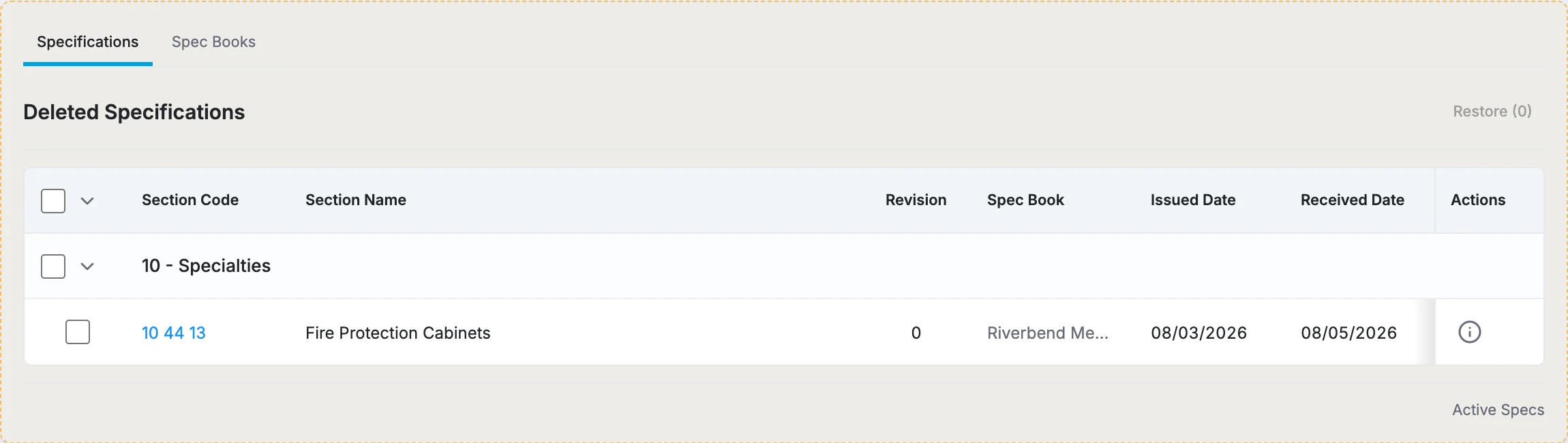
Restoring a book brings back its sections and the revision that took it to the bin. Any revision deleted before that stays under Deleted Revisions. Restoring a revision puts it back on its sections and brings back any section that went with it. If it's the section's newest revision, it becomes the active one again. You can also open a deleted section from the bin; its page says This section is in the Recycle Bin, with a Restore button.
Good to know
- If a section with the same number has been added to the same book since, the deleted one can't be restored: A live section in the same spec book already uses that section number. Renumber or delete it before restoring this one. When you restore a book, such sections stay in the bin and the message says how many.
- If a section has been given the same revision number since, the deleted revision can't be restored. Delete the newer one first.
- Anyone who can see Specifications can look in the recycle bin; only people with write access can delete and restore.
- Click Active Specs in the bin to go back to the register.