
- Open the section.
- Click Edit at the top right.
- Change the SECTION CODE, SECTION NAME or DIVISION.
- Click Save, or Cancel to leave it as it was.
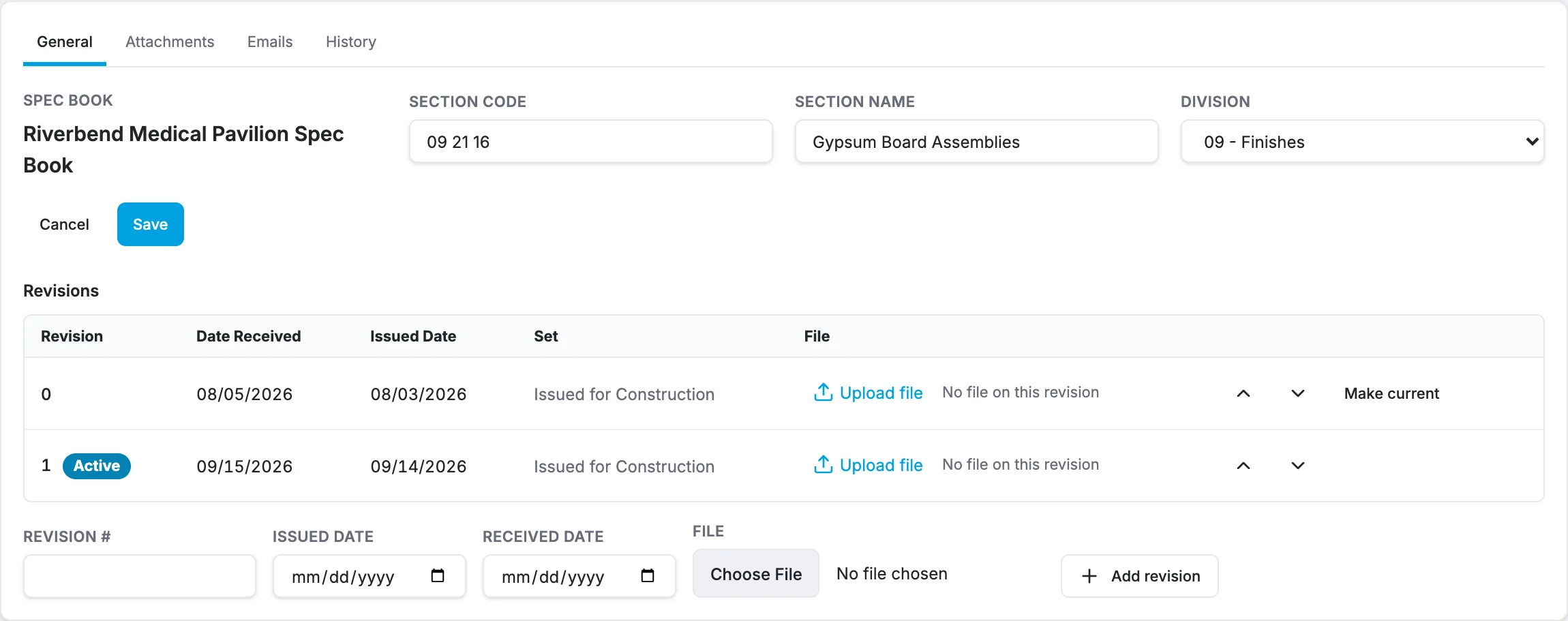
Each change is recorded on the section's History tab, with the old and new values.
Good to know
- The SPEC BOOK can't be changed.
- Fields your company has added to spec sections aren't in the Edit form. Click one on the General tab to change it, without clicking Edit. See Add your own fields.
- Changing a section's code changes the number of each submittal linked to it. Each keeps its count unless the new code already has that number.
- A section code must contain its number, and no two sections on a project can share one. Spaces and punctuation don't count, so 26 24 16 and 262416 are the same, but letters do, so PAD A - 262416 is a different section.
- A section in the recycle bin can't be edited until it's restored.