
The email summary is your My Work list by email. It's on for everyone who has a My Work list: by default it comes every Monday morning with the items waiting on you, from every project.
Change what you get
- Click your picture or initials in the top bar to open your profile.
- Scroll to My Work and find Email summary. It says when the last one was sent.
- Make your choices (below), then click Save.
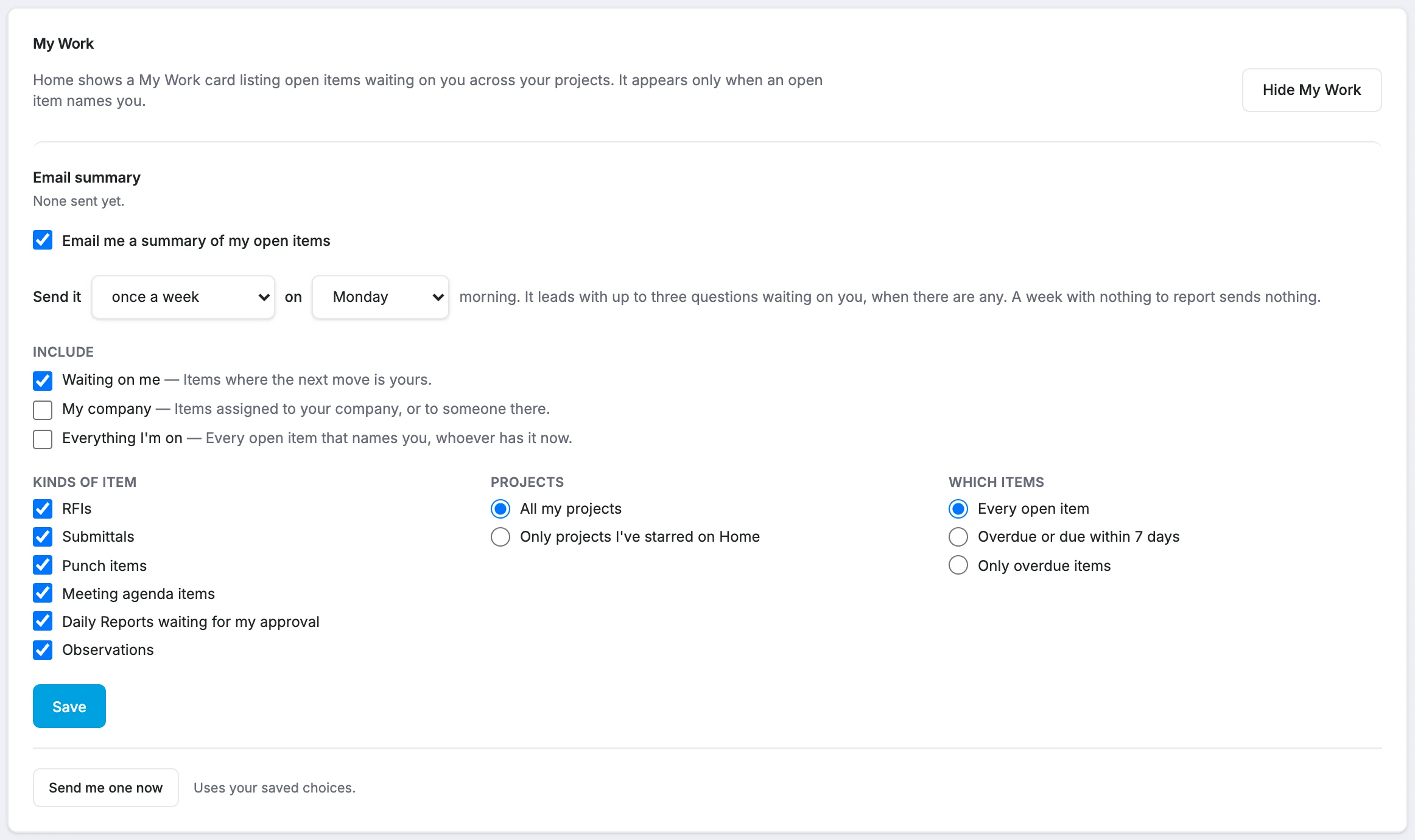
| Setting | Choices |
|---|---|
| Email me a summary of my open items | Untick to stop the email. Your other choices are kept for when you turn it back on. |
| Send it | once a week on the day you pick, or every working day. It comes in the morning, from 7 am your time. A week (or day) with nothing to report sends nothing. |
| Include | Any of Waiting on me, My company and Everything I'm on, the same lists as on the My Work card. Pick at least one. |
| Kinds of item | RFIs, Submittals, Punch items, Meeting agenda items, Daily Reports waiting for my approval, Observations, Forms to fill in or review. You only see the kinds you can open. Pick at least one. |
| Projects | All my projects, or Only projects I've starred on Home. |
| Which items | Every open item, Overdue or due within 7 days, or Only overdue items. |
If you leave all of Include or Kinds of item unticked, the page says Pick at least one of the three lists to include. or Pick at least one kind of item to include.
"Every working day" follows your company's work calendar, so the email doesn't come on weekends or holidays.
Send one now
To see what the email looks like, click Send me one now. It uses your saved choices. If those choices would give an empty email, the page says so instead of sending one.