
Stars are yours alone: starring a project doesn't change anything for anyone else.
Star a project
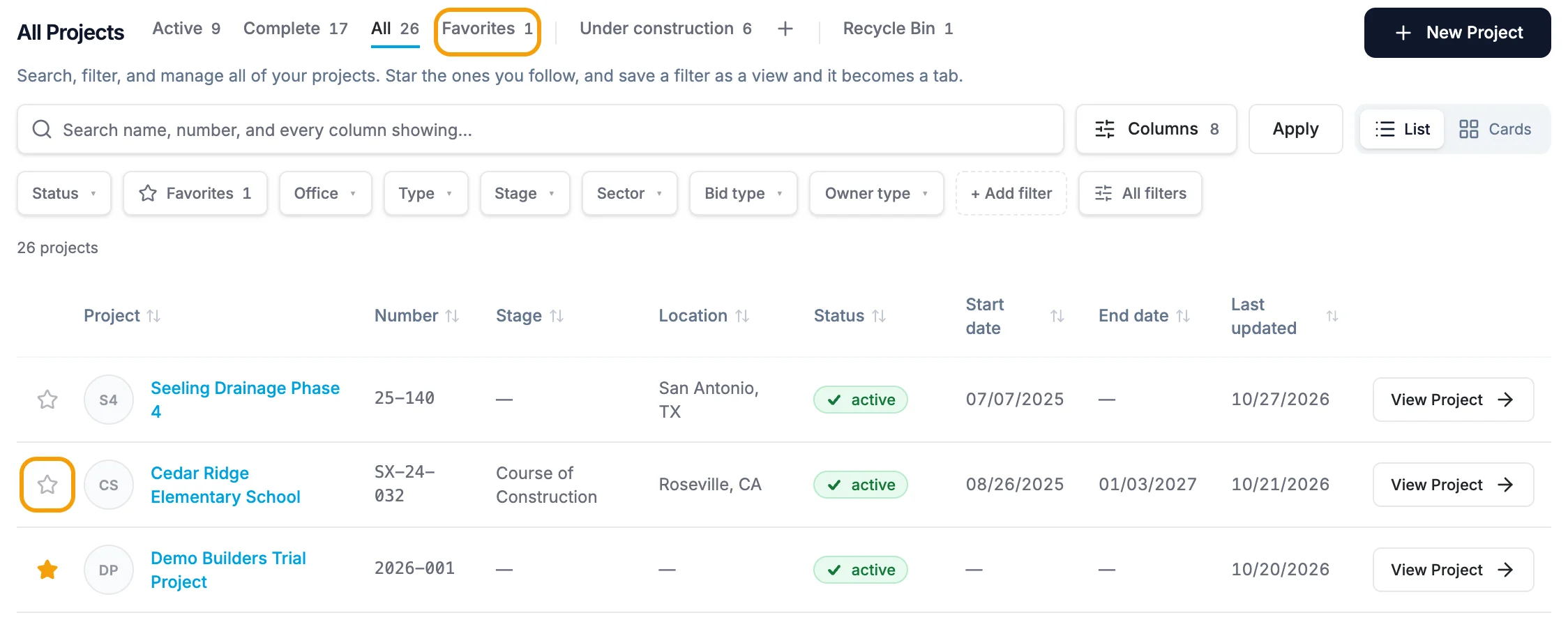
On Home, click the star at the left of a project's row (in the cards view, at the top right of the card). It fills in. Click it again to remove the star.
See only your favorites
- Click the Favorites tab, or
- Tick the Favorites filter in the filter row to narrow any other tab or view to starred projects.
Where else stars count
- Save a view that includes the Favorites filter and make it your default, so Home always opens on your projects. See Save a view of the project list.
- In your email summary of My Work, choose Only projects I've starred on Home. See Get My Work by email.