
The holiday calendar lists the days nobody is at work. When a new RFI, submittal or punch item's due date is counted in work days, these days are skipped along with weekends. Schedules skip them too, on every project that observes holidays.
Go to Settings and open Holidays. Choose the year from the links at the top right of the calendar.
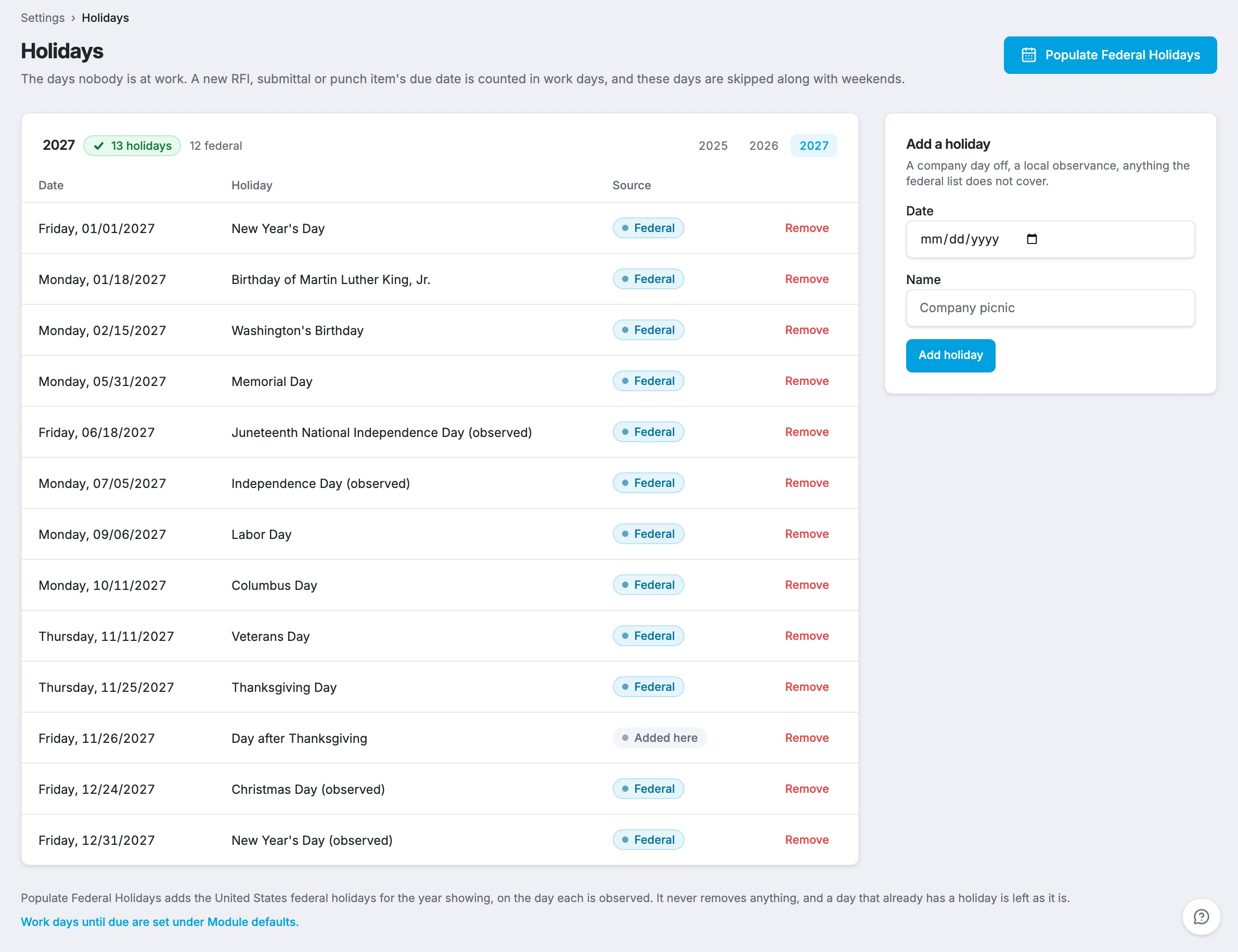
Each holiday shows its date, name and Source: Federal for a day added by Populate Federal Holidays, Added here for one your company added.
Fill in the federal holidays
- Choose the year.
- Click Populate Federal Holidays.
StruXure adds the United States federal holidays for that year, on the day each is observed, and says Added … federal holidays for …. It never removes anything, and a day that already has a holiday is left as it is. Do this once for each new year.
Add a company day off
- Under Add a holiday, choose the Date.
- Type a Name, such as "Day after Thanksgiving".
- Click Add holiday.
The page says Added ….
Remove a holiday
Click Remove on the holiday's row.
Confirm with Remove.
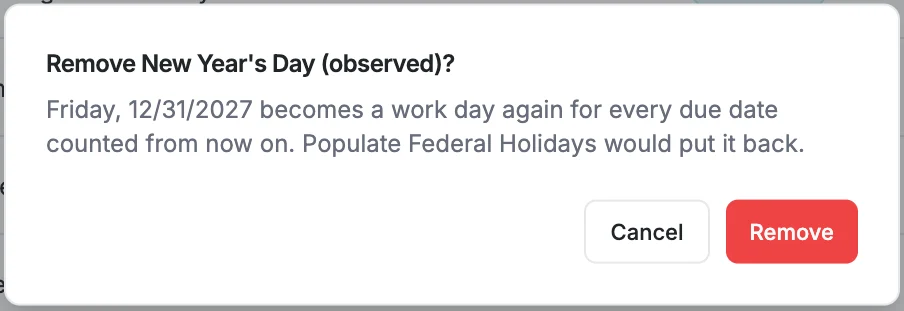
That day becomes a work day again for every due date counted from now on. If you removed a federal day by mistake, Populate Federal Holidays puts it back.
How projects use the calendar
- The calendar applies to every project whose working days follow the workspace and that observes holidays. Whether holidays are days off at all is set under Scheduling. See Set the working week and schedule source.
- A project can work through holidays, or add its own shutdown days, in its Schedule settings. See Working days and holidays.
- Due dates already set don't move when you add or remove a holiday.
The number of work days until a record is due is set under Module defaults. See Set module defaults.
If a holiday is refused
| Message | What to do |
|---|---|
| Choose a date. | Pick a date. |
| Give the holiday a name. | Type a name. |
| … is already on that day. | That day already has a holiday with that name. |