
Deleting from the Directory is permanent. There is no recycle bin, and a deleted person or company can't be brought back.
Deleting a company deletes every person at it. Anyone at that company who could sign in loses access to your workspace straight away.
Delete is for records that should never have existed: a duplicate, a test entry, or someone who was never a real person. For a person who has left, or a company you no longer use, untick Active instead, so their name stays on their work. That also stops them signing in, and you can undo it. See Edit a person and Edit a company.
To take someone off one project only, remove them in that project's directory instead; they stay in the workspace. See Remove people or companies from a project.
Delete a person
- Open the person's record.
- Scroll to Delete this person. The card lists exactly what will happen.
- Click Delete person.
- Type the person's name to confirm, and click Delete person.
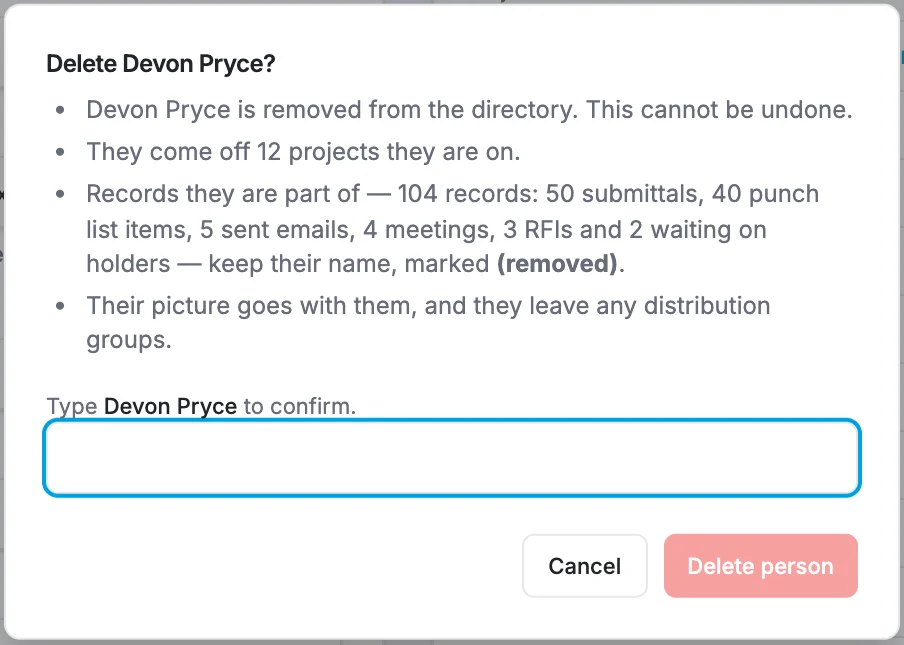
When a person is deleted:
- They're removed from the Directory and from every project they were on.
- If they could sign in, they can no longer sign in to this workspace, and their organization and project access groups are removed.
- They leave any distribution groups, and their picture is deleted.
- Any AI assistants they connected to this workspace are disconnected.
- RFIs, submittals, punch items, meetings and other records they're part of keep their name, marked (removed).
You land on the Users list, which says Deleted …. The record is gone from the directory and cannot be brought back.
Delete a company
- Open the company's page.
- Scroll to Delete this company. The card lists what will happen, with counts.
- Click Delete company.
- Type the company's name to confirm, and click Delete company.
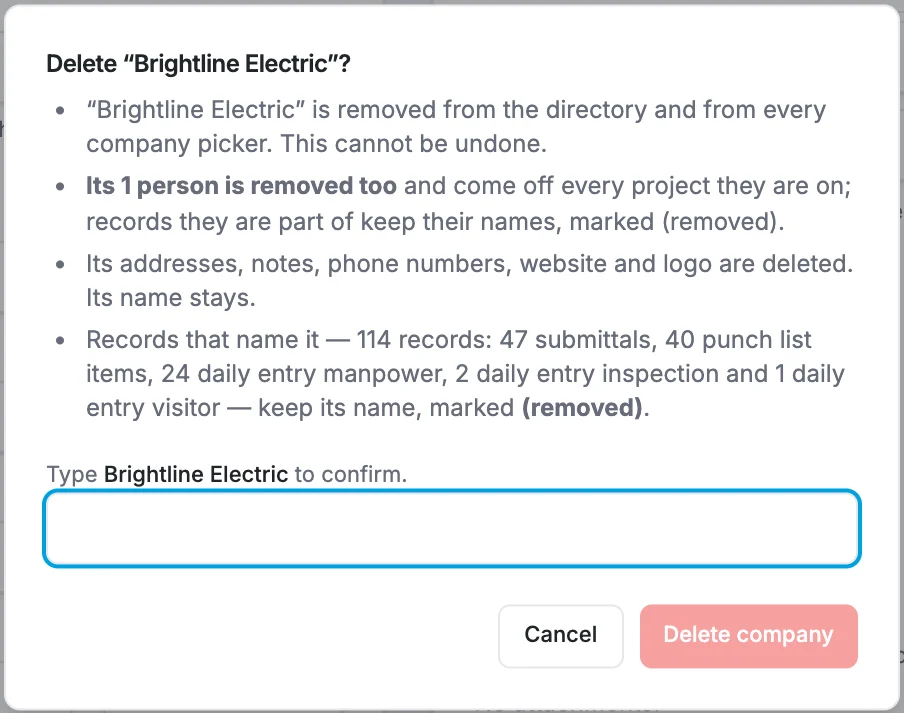
When a company is deleted:
- It's removed from the Directory and from every company picker.
- Every person at the company is deleted too, exactly as above. Those who could sign in lose access to this workspace.
- It comes off every project and every distribution group it was on.
- Its addresses, notes, phone numbers, website and logo are deleted, and so is its vendor information, with its licenses, W-9, license evidence, attachments and the compliance documents kept for it. Its name stays.
- Records that name it keep its name, marked (removed). Opening it from one of those records shows only its name.
When you can't delete
The delete card shows the reason instead of a button:
- This is the workspace's own company and cannot be deleted.
- You work at …, so you cannot delete it.
- You cannot delete your own record.
If the person can sign in, or anyone at the company can, the delete card is only shown to people with Organization directory at Admin.