
You can make quick changes in the Users list, or open the person's full record for everything.
Quick edit in the list
- Open Directory.
- Click the person's name. Their details open under their row.
- Change First name, Last name, Title, Company, Business phone or Cell, or untick Active.
- Click Save.
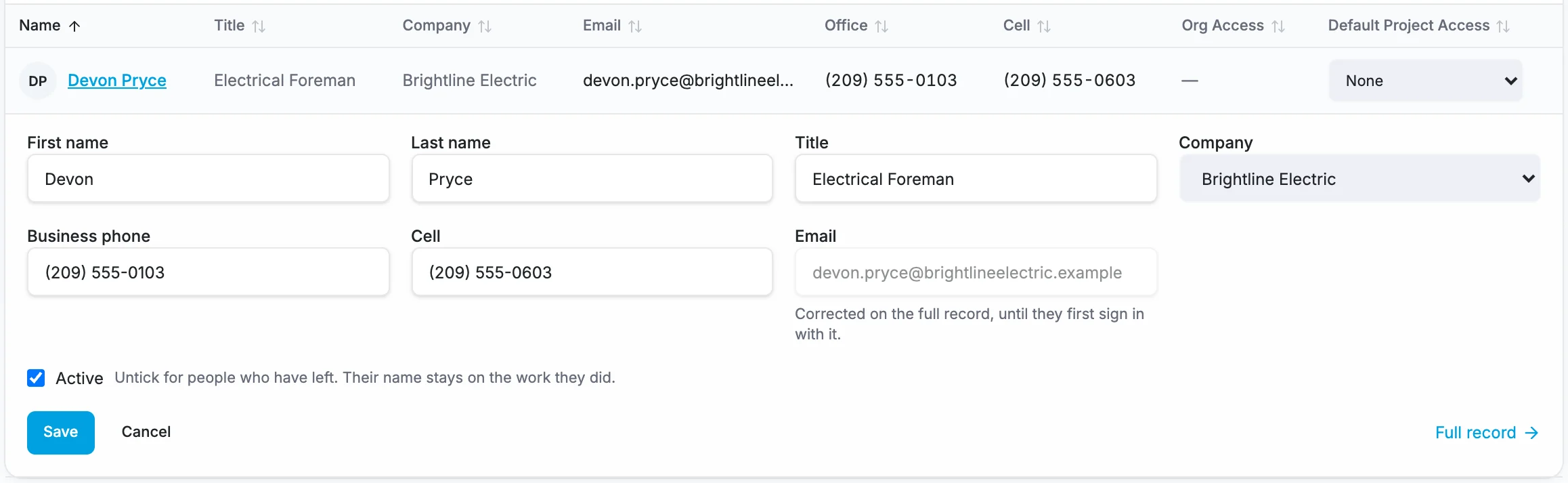
You can open several people at once. Full record opens their page.
Edit the full record
Open the person's page with Full record, or by clicking their name on their company's page. General Details has every field:
- Company, First name, Last name and Title.
- Preferred full name: what they're called, when that isn't their first and last name. Left empty, it follows their name.
- Email (see below).
- Cell, Office phone, Office ext. and Direct phone (the line that reaches them without the switchboard).
- They have their own address: leave it off and their address is their company's, so it follows when the company moves. Tick it to enter their own Street 1, Street 2, City, State and Zip. As you type the street, suggestions appear; pick one to fill in the city, state and zip as well. What you type is kept if you don't pick one.
- Active.
Click Save when you're done.
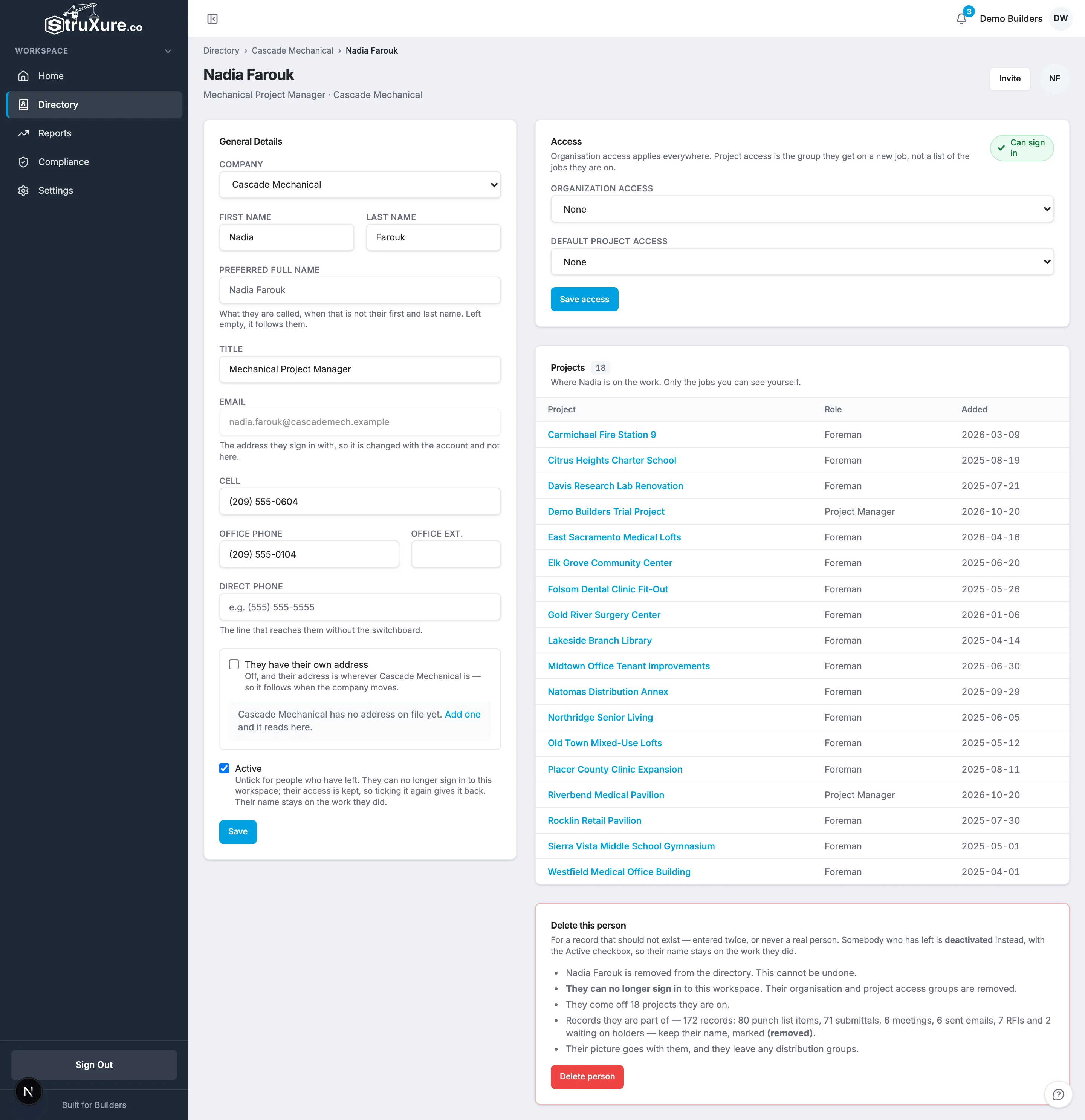
The Projects card lists the projects they're on (only the ones you can see yourself), with their role and when they were added. Draft projects aren't listed. People are added to projects from each project's directory; see Add people to a project.
Correct an email address
The email address can be changed on the full record only, and only:
- for someone with No login, or
- for someone who can sign in but hasn't signed in yet. Their sign-in account follows the new address, and the page says Saved, and their email address is now …
Once somebody has signed in, their email is the address they sign in with, and it can't be changed here. An email address can't be removed, only corrected.
When someone leaves
Untick Active and click Save. They're greyed out in the Directory and their name stays on the work they did.
If they can sign in, that stops too: they can no longer open this workspace, and anything they're signed in to closes within 15 minutes. Their Connected Agents are disconnected. Other workspaces they belong to aren't affected.
Their access groups and projects are kept, so if they come back, tick Active again and they have exactly what they had before.
People whose company is inactive can't sign in either, even if they're active themselves. See Edit a company.
For someone who can sign in, only people with Organization directory at Admin see the Active box. Nobody can make themselves inactive.
Who can edit
With Organization directory at Read, a name in the Users list opens the person's record with every field locked.