
- In the register, tick the sheets. Tick a discipline's heading to select all its sheets, or the box at the top to select every sheet shown.
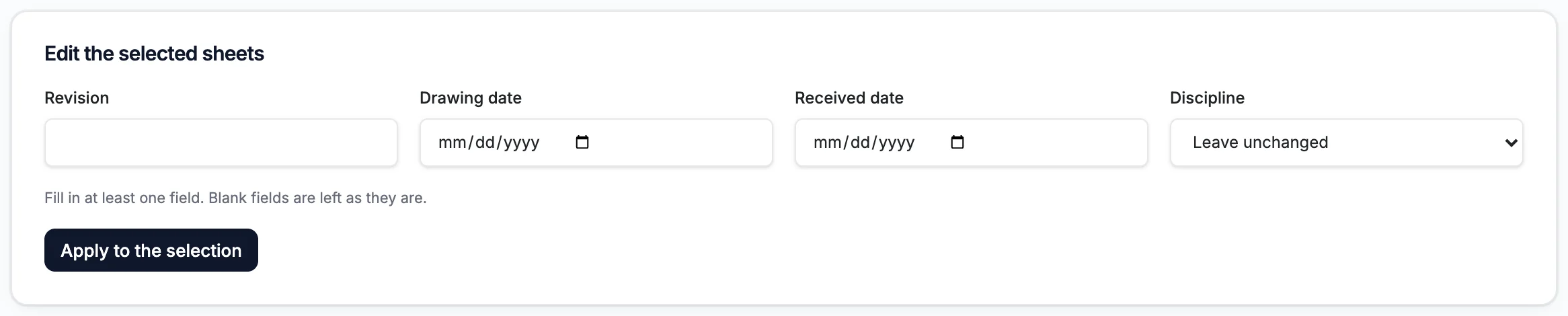
- The Edit the selected sheets card appears below the register.
- Fill in any of Revision, Drawing date, Received date and Discipline. Blank fields are left as they are.
- Click Apply to the selection (or Edit (n) in the toolbar).
The register says how many sheets were updated. The revision and dates are changed on each sheet's active revision.
If every field is blank, you see Nothing to change — fill in at least one field. A revision can be up to ten characters.
You can also start from a plan set: tick sheets there and click Edit (n) to bring them to the register with this card open.