
Export CSV and Print are at the top of the schedule page whenever the project has a schedule.
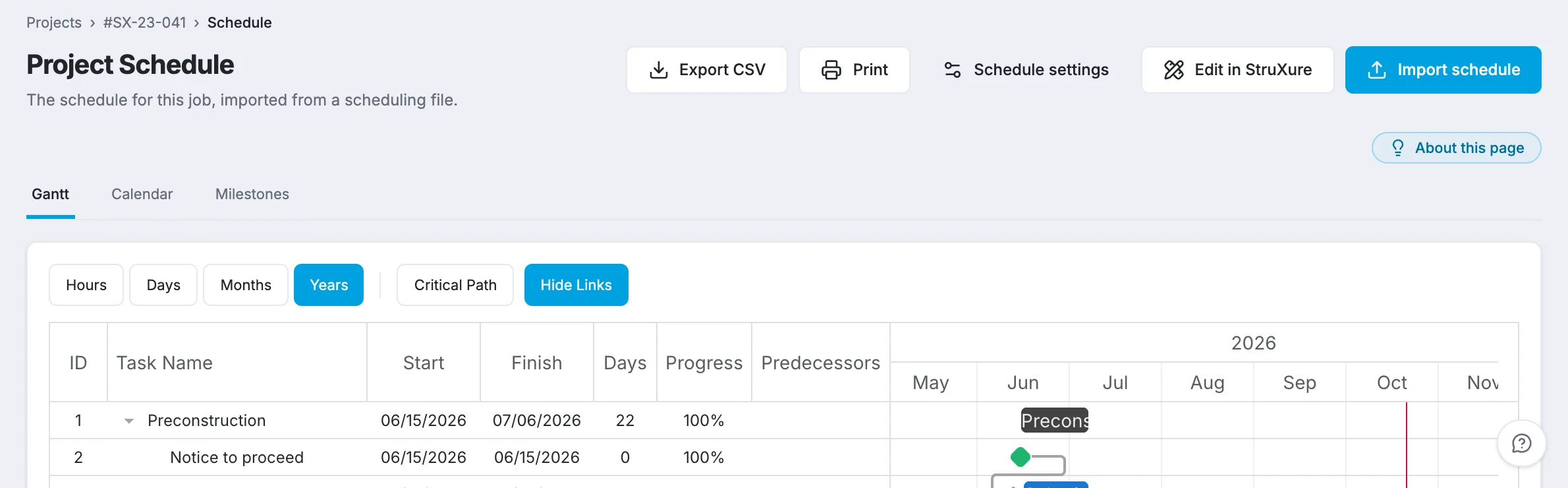
Export to a spreadsheet
- Open the project's Schedule.
- Click Export CSV.
A file called schedule-<project number>-<schedule name>-<date>.csv downloads. It opens in Excel, Google Sheets or Numbers.
The file has every activity on the current schedule, in schedule order, with these columns: ID, Task Name, Start, Finish, Days, Progress, Type (task, summary or milestone), WBS (the activity's place in the outline, such as Structure > Erect structural steel), Critical (Yes or No), Total float (days), and Predecessors (for example 8 FS or 12 SS+3). Dates are written MM/DD/YYYY. A value the schedule doesn't have is left blank.
Print the Gantt chart
- Open the Gantt tab.
- Click Print.
A PDF of the schedule opens in a new tab, landscape, headed with your company's details, the project's name and address, the schedule's name, the number of activities and the date range. Every row is printed, unfolded, whatever you had folded on screen. Print it or save it from there.
Print or export the projected schedule
If you're looking at the Projected view of the Gantt chart, Print and Export CSV give you that view: the dates with the delays open records propose. The PDF is titled Projected Schedule, and the CSV's name ends in projected and has a last column, Moved (working days). Switch to As scheduled and print again to get the schedule as it is, so you can compare the two. See See proposed delays on the schedule.
Print the calendar or milestones
- Open the Calendar or Milestones tab, on the month or sort you want.
- Click Print. Your browser's print dialog opens.
- Print, or choose Save as PDF.
The printout has the project's name, the schedule's name and its dates at the top, without the page's buttons.