
Careful
Permanently deleted items can't be restored. Their history, photos and files are deleted with them.
Permanently delete one item
- Open the punch list and click Recycle Bin at the bottom of the page.
- Next to the item, click Destroy.
- Read the confirmation, which says how many log entries, photos and files will go with it, and click Destroy.
Empty the recycle bin
- Open the punch list's Recycle Bin.
- Click Empty the bin.
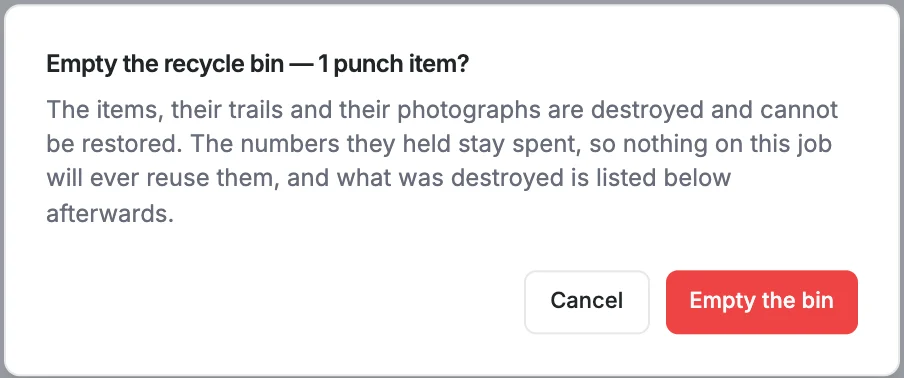
- Confirm with Empty the bin.
Afterwards
The recycle bin shows a Permanently deleted list of what was removed, who deleted it and who destroyed it, and when. The numbers those items had are never reused on the project.