
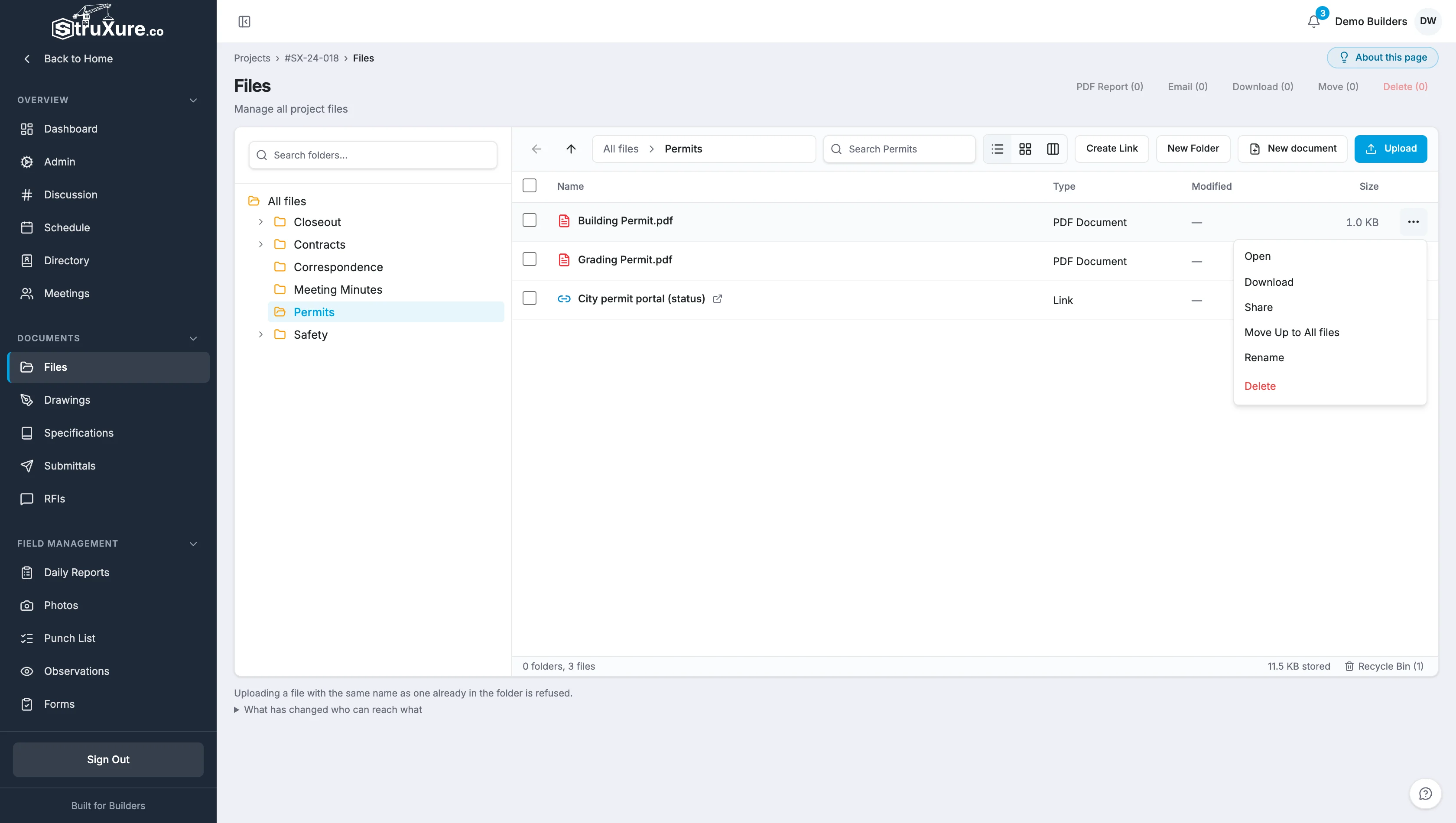
Download one file
Do any of these:
- Choose Download from the file's … menu.
- In the three-pane layout, select the file and click Download in the right-hand pane.
- With the file open, click the Download button in the bar above it.
A file type StruXure can't show in the browser also downloads when you open it.
A file that shows Scanning for Malware, Infected or Scan Failed can't be downloaded. See A file that is being checked.
Download several files as a zip
- Tick the files and folders you want. See Work with several files at once.
- Click Download (n) at the top right of the page.
You get one zip file named after the project and today's date. Ticked folders come with everything inside them, laid out in the same folders. Saved links aren't included.
To download an earlier version of an edited file, use the Download beside that version. See Previous versions.
Note
Downloads and zips only ever contain what you're allowed to see. Anything in a private folder you don't have a role for is left out.