
A link sits in a folder like a file. Opening it takes you to the address in a new browser tab.
- Open the folder the link belongs in.
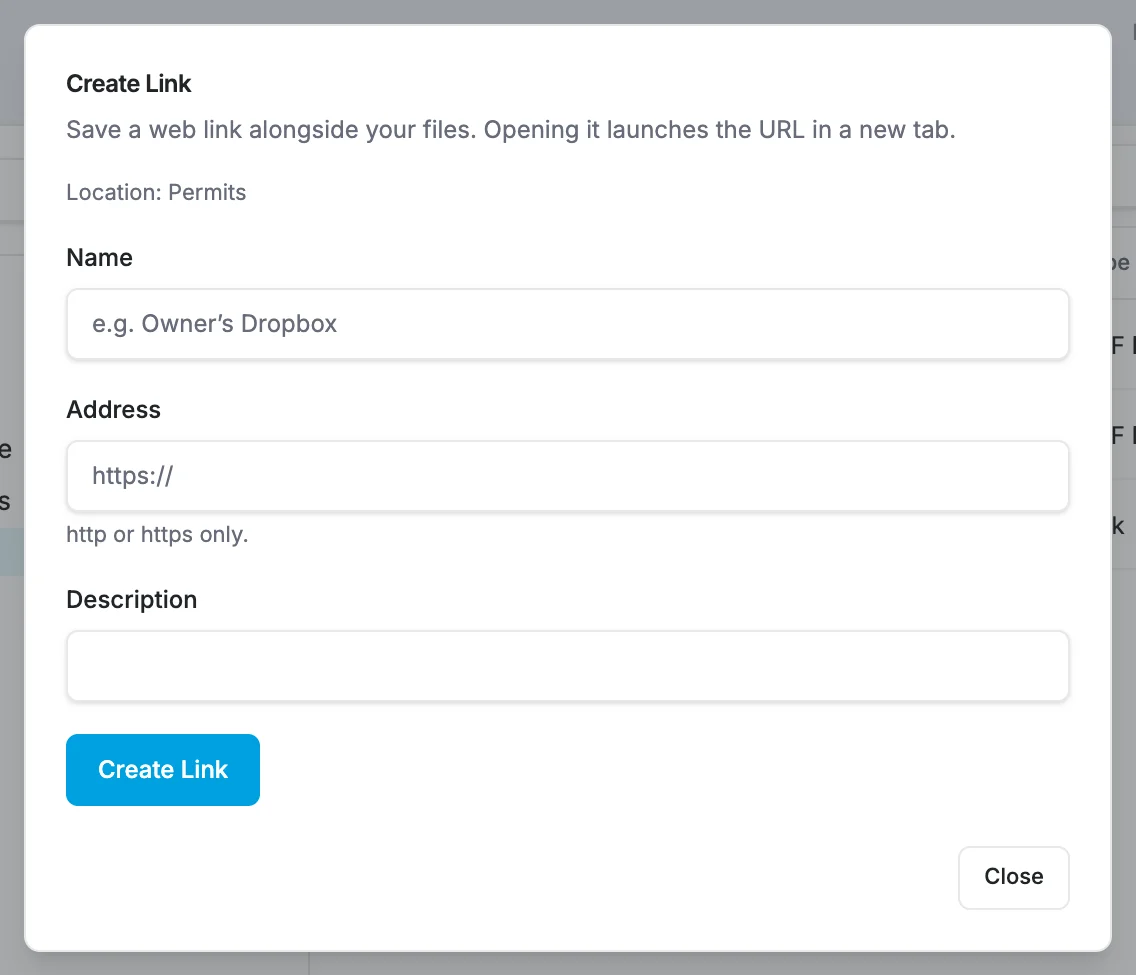
- Click Create Link in the toolbar, or choose Create Link Inside from a folder's … menu.
- Type a Name, such as "City permit portal (status)".
- Type the Address. It must start with http:// or https://.
- Optionally add a Description.
- Click Create Link. The page says Link saved.
Links show a link icon and the type Link. They have no size, and they're left out of downloads and emails, since there's no file to send. You can rename, move and delete a link like a file; deleting it puts it in the recycle bin and doesn't affect the web page it points to.