
- On the Files page, click Recycle Bin at the bottom right of the list. The number in brackets is how many items are in it.
- Find the item. The bin shows each item's Name, the folder it was in (Location), when it was Deleted and By whom. A deleted folder also says how many folders and files went with it.
- Click Restore.
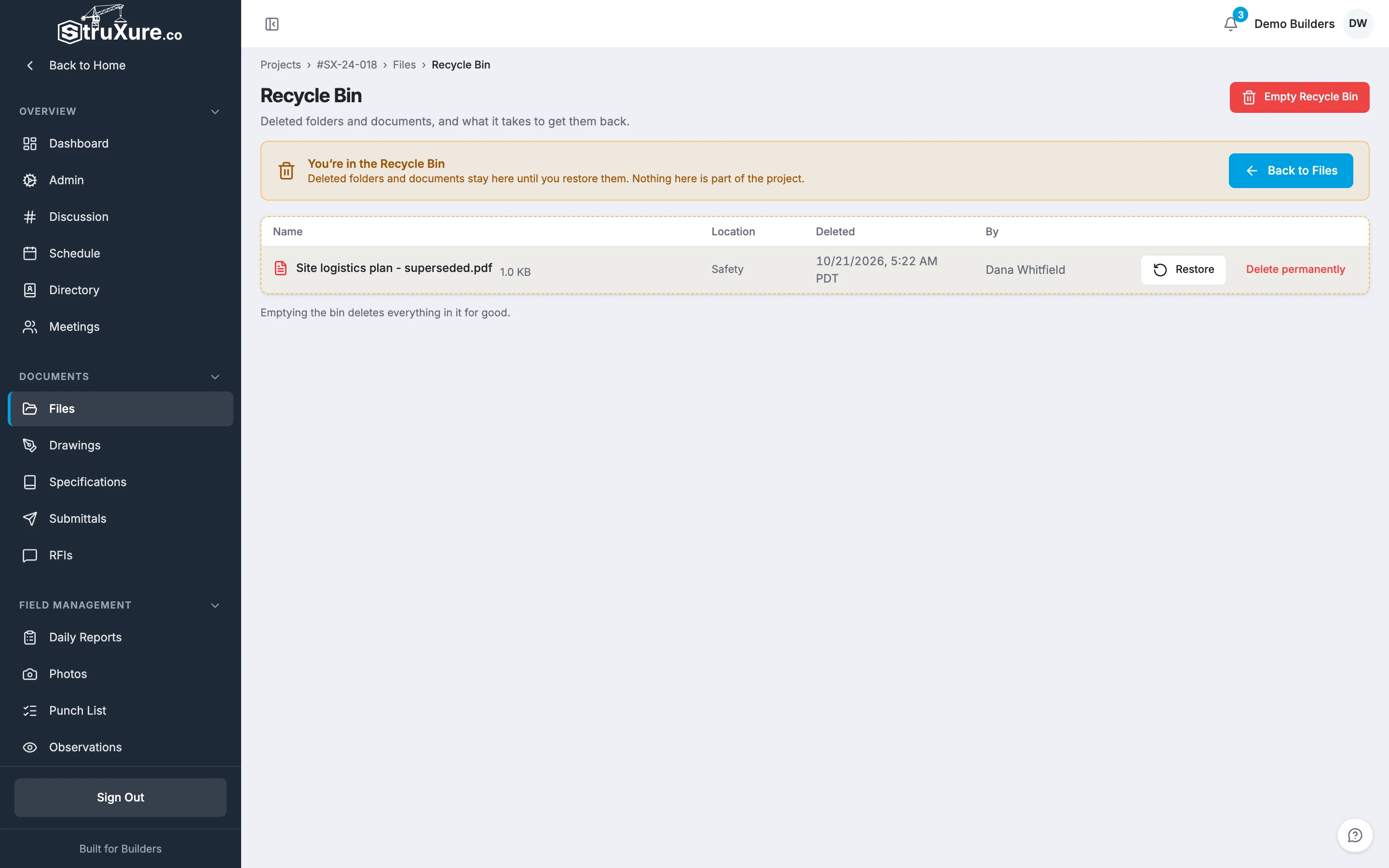
The page says Restored. It is back where it was filed, with everything that went into the bin with it. Click Back to Files to return.
When a restore is refused
- The folder it was in is also in the bin. You'll see a message naming that folder: restore the folder first.
- Something with the same name is already there. For example, a new file with the same name was uploaded after the old one was deleted. Rename the one in Files, then try again.
Items that went into the bin inside a deleted folder aren't listed on their own. Restore the folder and they come back with it.
Good to know
- Anyone who can see Files can look in the recycle bin, but only people with write access see Restore.
- You only see items you'd be allowed to see in Files. Deleted items from a private folder you don't have a role for aren't shown.
- Nothing in the bin is removed automatically.