
Only the project's name is required. Once you've typed it, you can create the project from any step without going through the rest.
Create the project now
In the New Project wizard, type at least the Project Name on step 1.
Click Create project now at the bottom of any step (except the last, where it's Finish).
A dialog says which steps will be skipped and what the project will start with: the team so far, the folder template, and any recipients and emergency information entered so far.
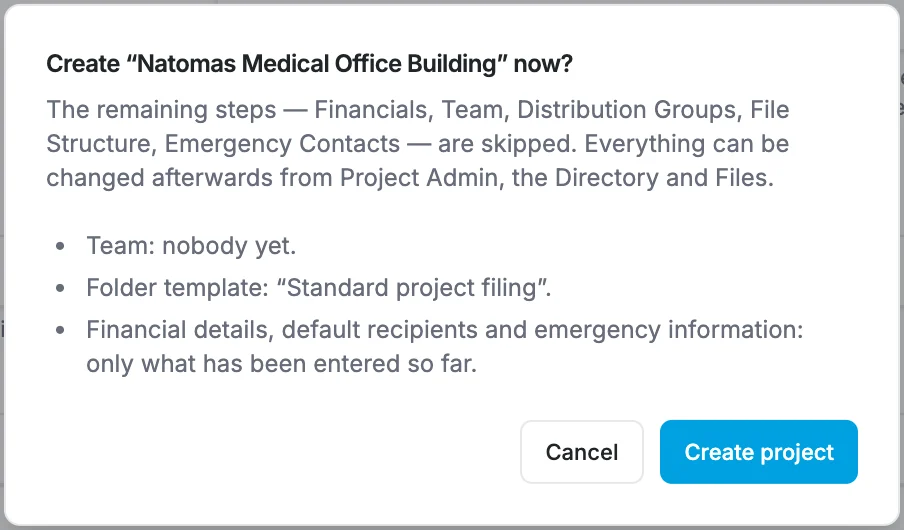
Click Create project.
The project opens on its dashboard. Steps you skipped use their defaults: no team (apart from anyone already listed), the workspace's default folder template, and no emergency information.
Everything you skipped can be filled in afterwards: the team in the project's Directory, folders in Files, and the rest in Project Admin.
Cancel the wizard
- On step 1, click Cancel.
- If you've typed a name, a Discard dialog asks first. Click Discard.
You go back to Home and the draft is forgotten. Any owner or architect company you created with Create New stays in your directory.