
Your company sets defaults for every project in Settings. The Module settings section of Project Admin lets one project set its own, field by field. A field you leave on its workspace default keeps following the company setting, including when the company changes it.
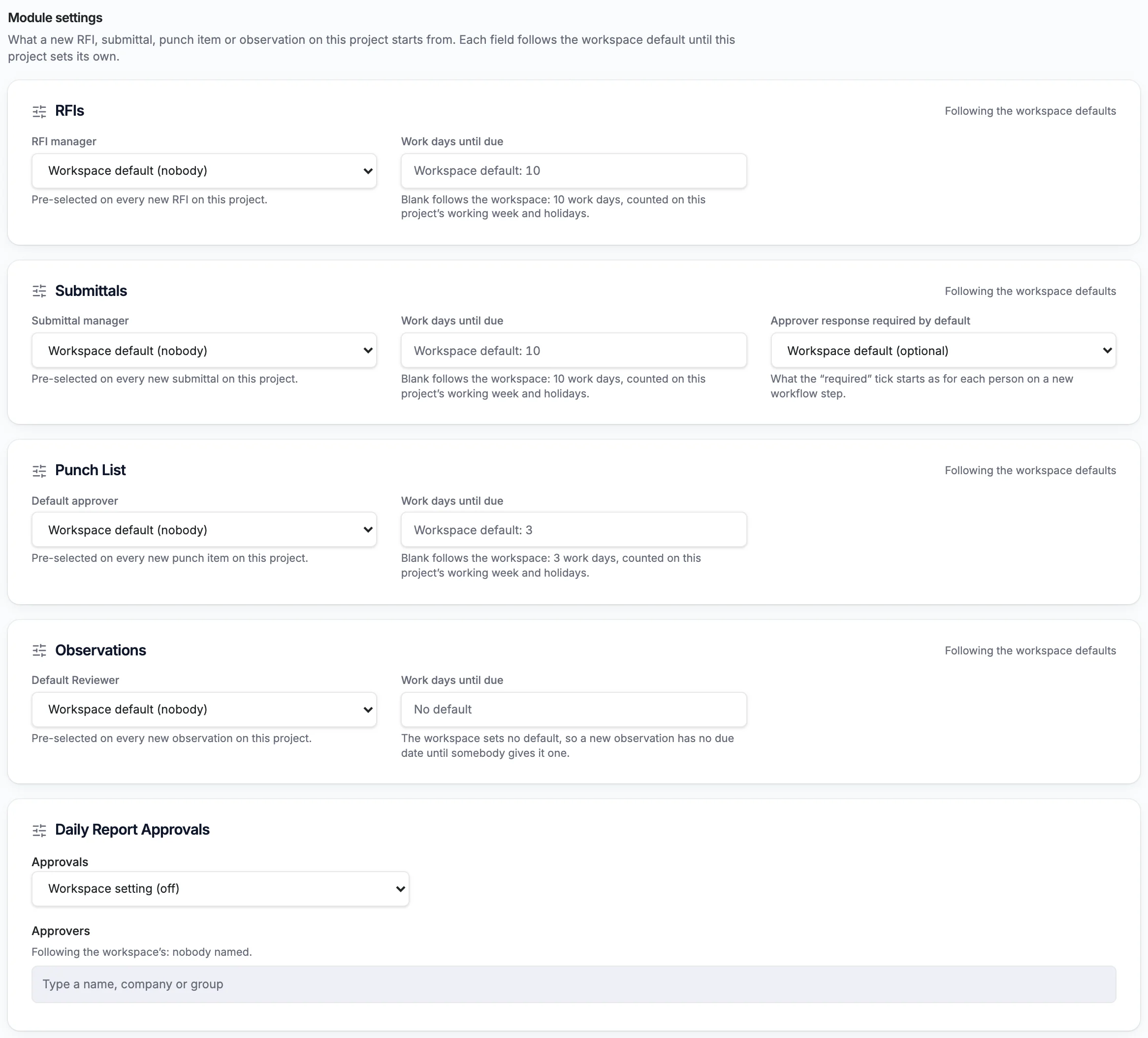
RFIs, Submittals, Punch List and Observations
Each card says whether the project is Following the workspace defaults or overrides some fields.
| Card | Fields |
|---|---|
| RFIs | RFI manager, Work days until due |
| Submittals | Submittal manager, Work days until due, Approver response required by default |
| Punch List | Default approver, Work days until due |
| Observations | Default Reviewer, Work days until due |
- Open the project and choose Admin in the sidebar.
- Under Module settings, find the module's card.
- Choose a person (only people in this project's directory are listed), or leave Workspace default (…) selected.
- Type Work days until due, or leave it blank to follow the workspace. Work days are counted on the project's working week and holidays.
- Click Save in the bar at the bottom right.
To go back to the company's defaults, click Use workspace defaults, then click Use workspace defaults again to confirm.
If the workspace's default person isn't on this project, the card says so, and new records start with nobody until you choose someone here.
For what each default does, see the module's own help: RFI defaults, Punch list defaults and Set observation defaults.
Daily Report Approvals
- In the Daily Report Approvals card, set Approvals to Workspace setting (…), On: finished days go to an Approver or Off: Complete Day is final.
- Under Approvers, add people to name this project's own approvers. Leave it empty to use the workspace's.
- Click Save in the bar at the bottom right.
Cards for modules your workspace has switched off aren't shown.