
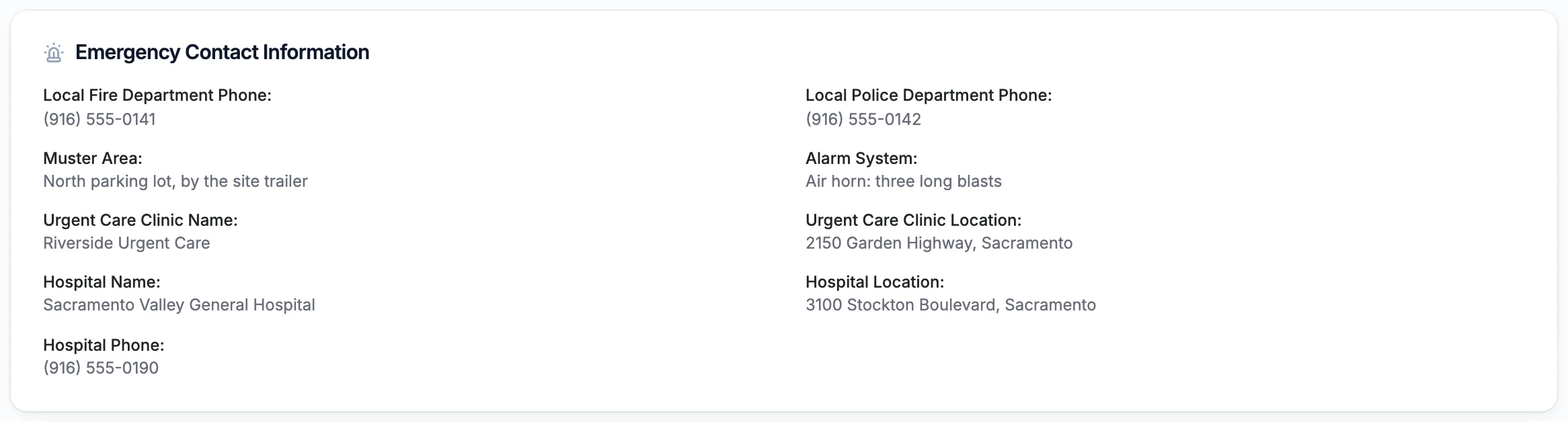
Every project can record the numbers and places people need in an emergency. They're shown to everyone on the project in the Emergency Contact Information card on the dashboard.
The fields
| Field | Example |
|---|---|
| Local Fire Department Phone | (916) 555-0141, or 911 |
| Local Police Department Phone | (916) 555-0142, or 911 |
| Muster Area | North parking lot, by the site trailer |
| Alarm System | Air horn: three long blasts |
| Urgent Care Clinic Name and Location | The nearest walk-in clinic |
| Hospital Name, Location and Phone | The nearest emergency room |
Every field is optional. Nothing is filled in for you, not even 911; type it if that's the number to use. A blank field shows as a dash.
When you create a project
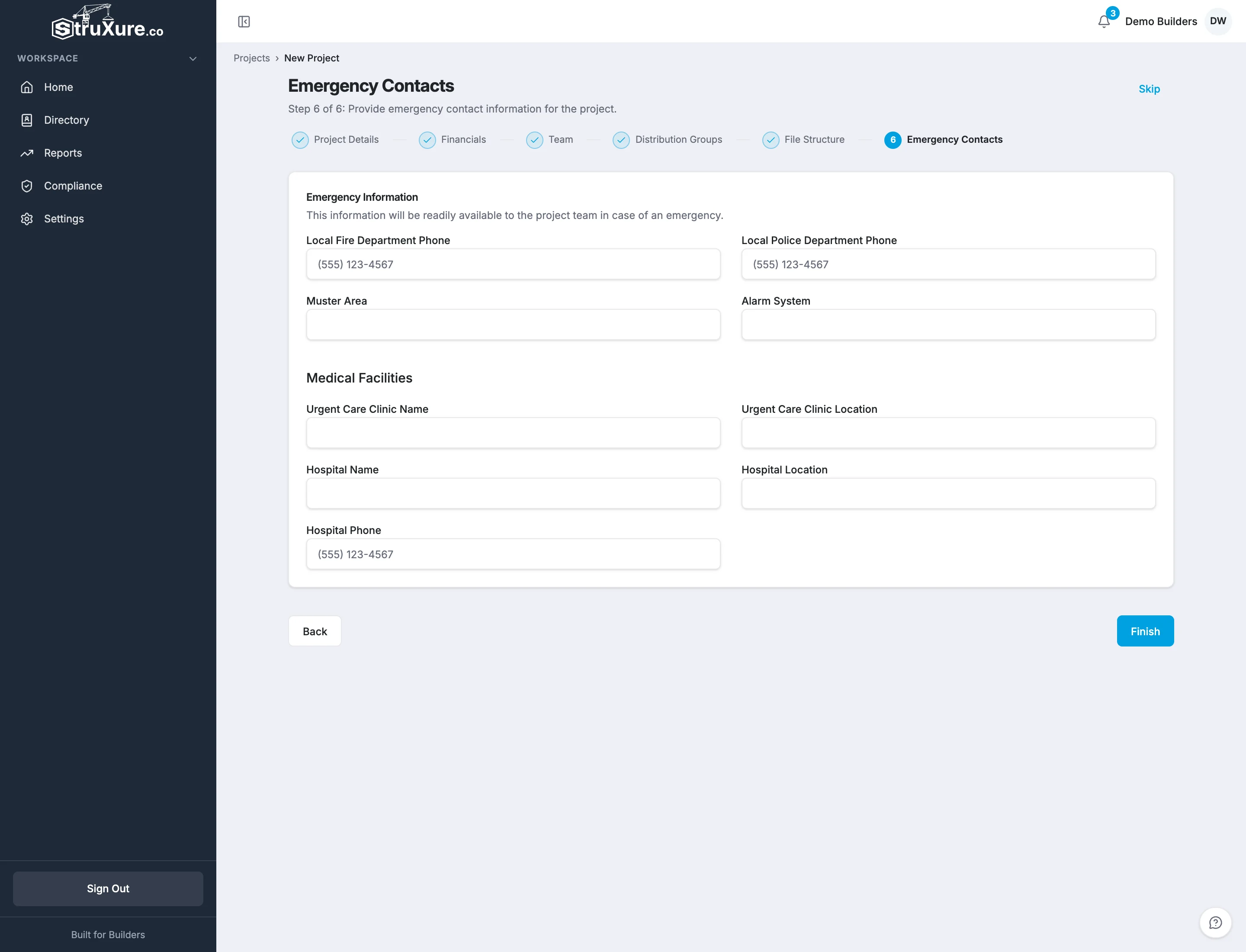
Fill in the Emergency Contacts step, the last step of the New Project wizard, and click Finish. To leave it for later, click Skip.
On an existing project
Open the project and choose Admin in the sidebar.
Find the Emergency Information card.
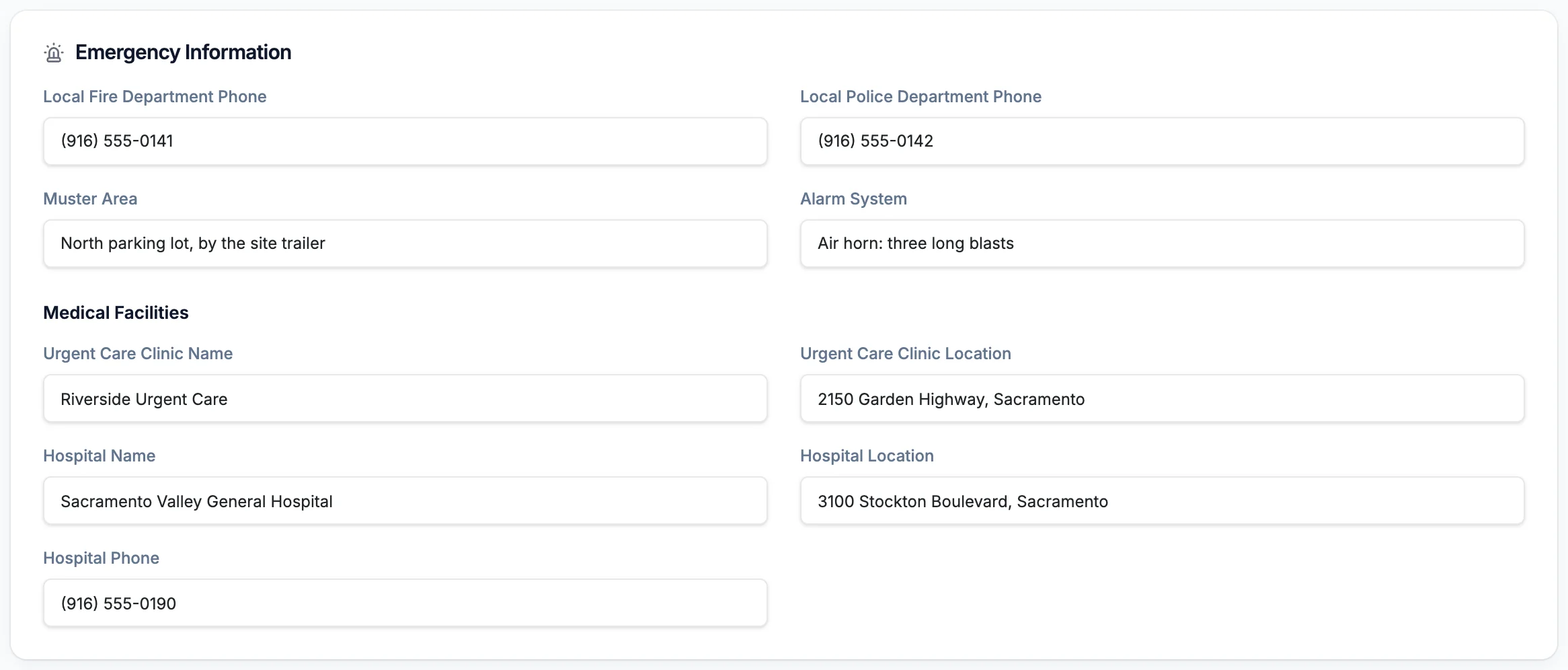
Fill in or correct the fields.
Click Save in the Unsaved changes bar at the bottom right.