
When email to an address bounces, for example because of a typo or because the person left their company, StruXure stops writing to that address. Later emails to it are Held, so a bad address doesn't keep bouncing.
See the bounced addresses
Go to Settings → Email and open the Bounced addresses tab. Each address shows why it's there (Bounced, or Refused by the mail service), what the receiving server said, a link to The email that bounced, and since when.
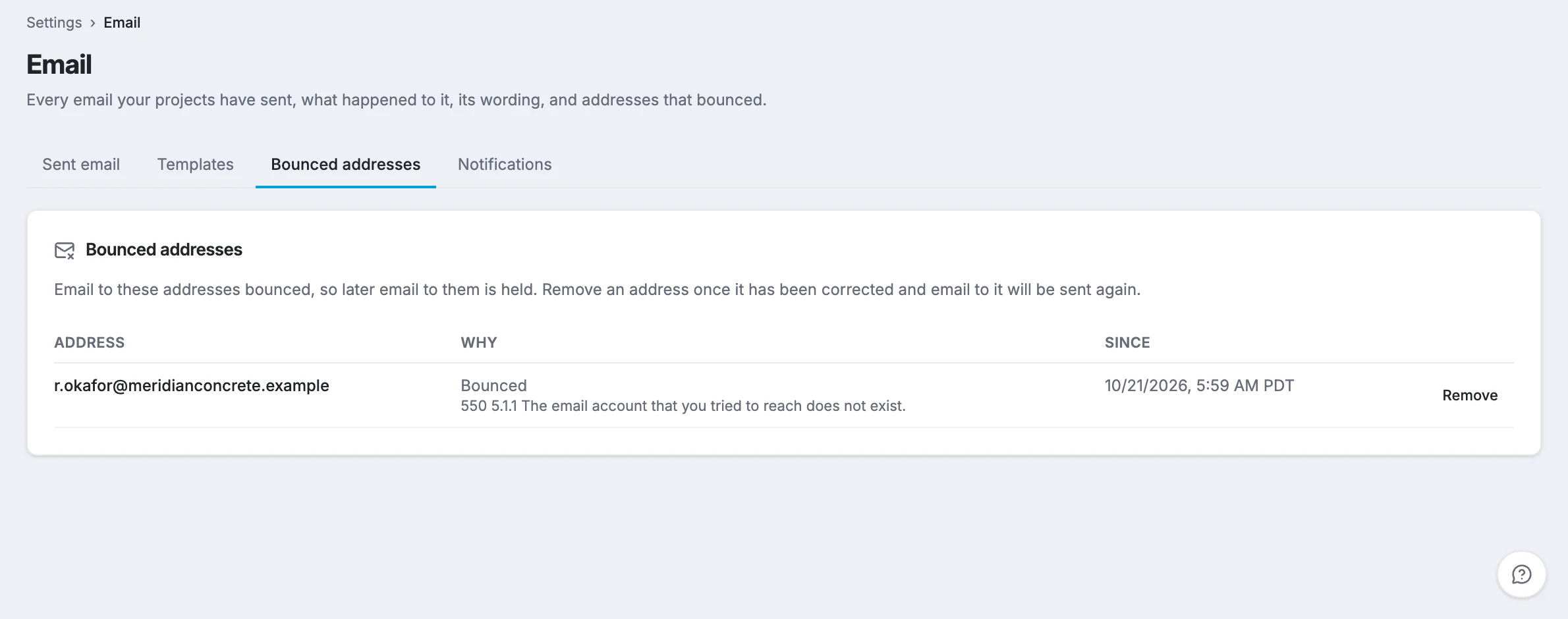
Let email go to an address again
First correct the address where it's wrong, usually on the person's entry in the Directory. If the address itself was fine and the problem has been fixed at their end, you can go straight on.
On the Bounced addresses tab, click Remove beside the address.
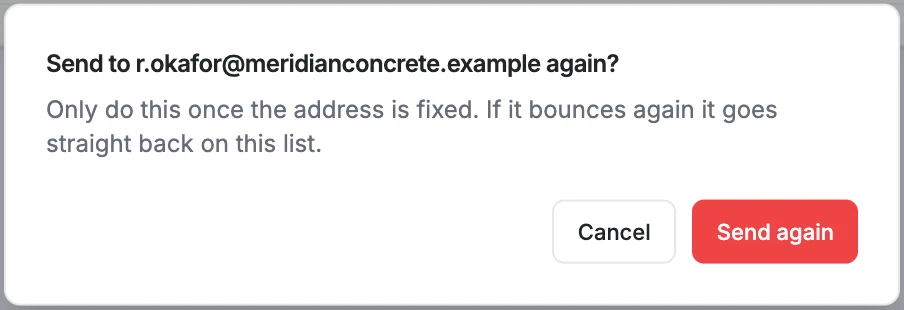
Click Send again to confirm.
You'll see Mail to … will be sent again. Emails that were held while it was on the list aren't sent automatically; to send one now, open it in Sent email and click Resend (see Check whether an email arrived, and resend it).
If the address bounces again, it goes straight back on the list.