
Settings is where your company's StruXure admins look after the workspace as a whole: who you are, how your documents and emails look, and the defaults every project starts from. Choose Settings in the sidebar to open it.
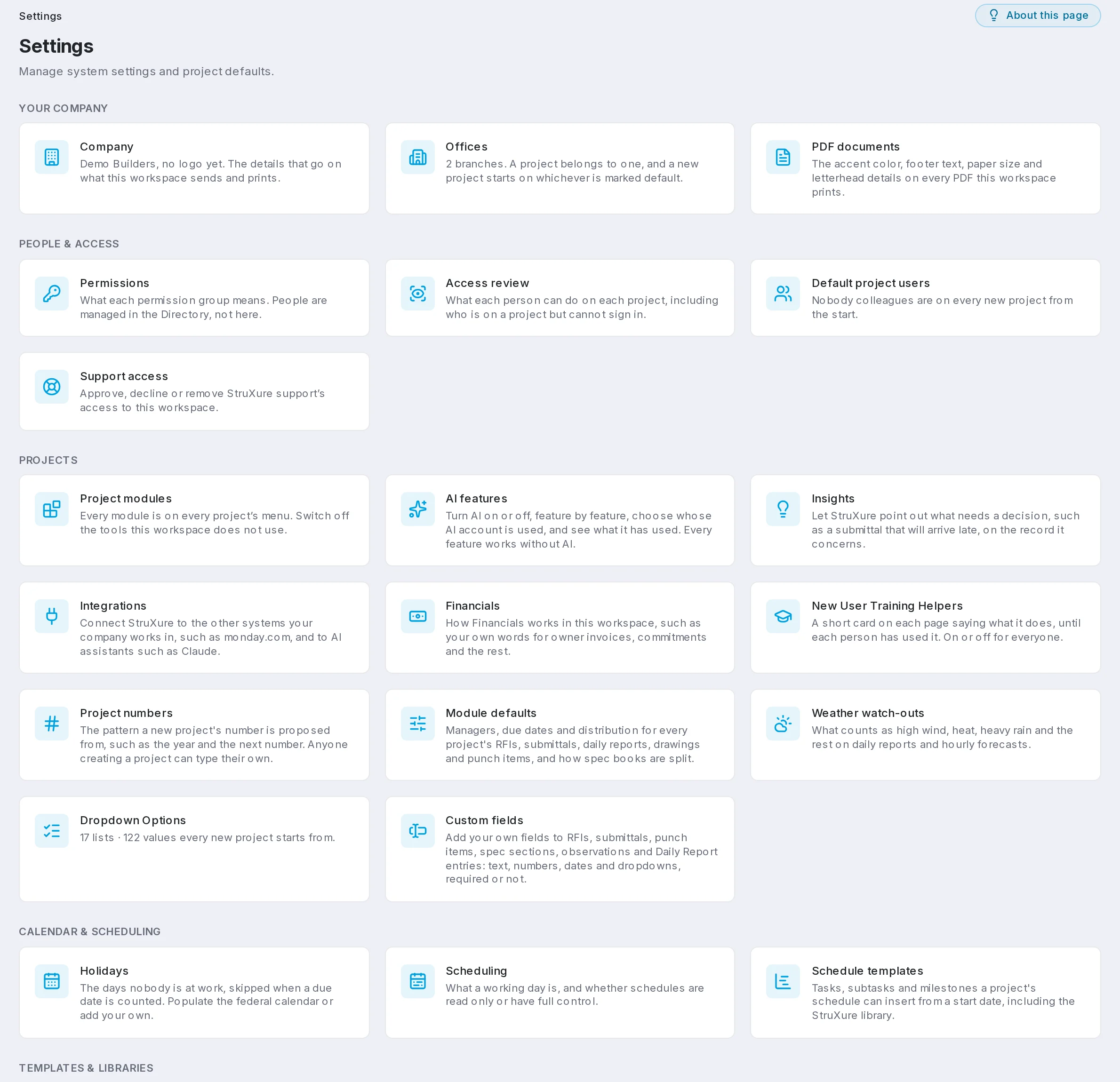
How the page is organized
Each card opens one settings page. The cards are grouped in the order you'd usually set up a new workspace:
| Group | Cards | Covered in |
|---|---|---|
| Your company | Company, Offices, PDF documents | This topic |
| People & access | Permissions, Access review, Default project users, Support access, Implementation page | People and access |
| Projects | Project modules, AI features, Insights, Integrations, Financials, New User Training Helpers, Project numbers, Module defaults, Weather watch-outs, Dropdown Options, Custom fields | AI features, Insights, Integrations, Financials and New User Training Helpers are in this topic; the rest are in Project defaults |
| Calendar & scheduling | Holidays, Scheduling, Schedule templates | Project defaults |
| Templates & libraries | Folder templates, Meeting templates, Form templates, Document templates, Equipment | Project defaults, Meetings, Forms, this topic and Equipment |
| Activity | Email, Notifications, Activity log | Email and Notifications are in this topic; Activity log is in People and access |
Many cards show a short summary of what's set now, for example how many offices you have or which modules are hidden.
Who sees which cards
You only see the cards you can open. A group with nothing in it for you isn't shown at all.
- Permissions and Access review need Permissions — Read.
- Email, Activity log and Document templates need Settings — Admin.
- Support access needs Organization directory — Admin.
- Implementation page needs Organization directory — Admin, and appears only once StruXure has turned your Implementation page on.
- Every other card needs Settings — Read. With Read you can open the page and see what's set, but there's nothing to change; with Settings — Admin you can change it.
- Insights, Integrations, Connected Agents and Financials are add-ons. Their cards appear only if your company has them as part of its StruXure subscription. Document templates appears only with Financials. Connected Agents are on the Integrations page.
See Who can change company settings for the full list.