
Every link to your workspace includes its workspace address, for example app.struxure.co/w/demobuilders. You'll find it at the bottom of Settings → Company.

Change it
Go to Settings and open Company.
In the Workspace address card, click Change.
Type the new address. StruXure checks it as you type and tells you if it can't be used.
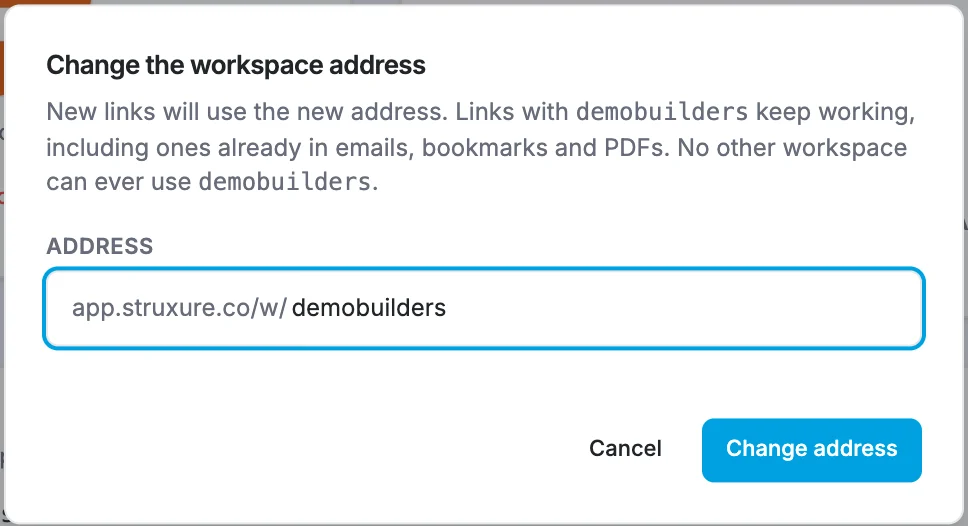
Click Change address.
You'll see The address is now … with a reminder that links with the old address still work.
What happens to old links
- Links with the old address keep working, including ones already in emails, bookmarks and PDFs.
- New links use the new address.
- No other workspace can ever use your old address.
Rules for an address
- 2 to 20 characters long.
- Lowercase letters, numbers and single hyphens, starting with a letter.
- Some addresses are reserved; StruXure says That address is not available. Try another.
For more about workspaces and their links, see Switch workspaces and share links.