
When someone says "I never got that RFI", Settings → Email shows you every email your projects have sent, who it went to and what happened to it.
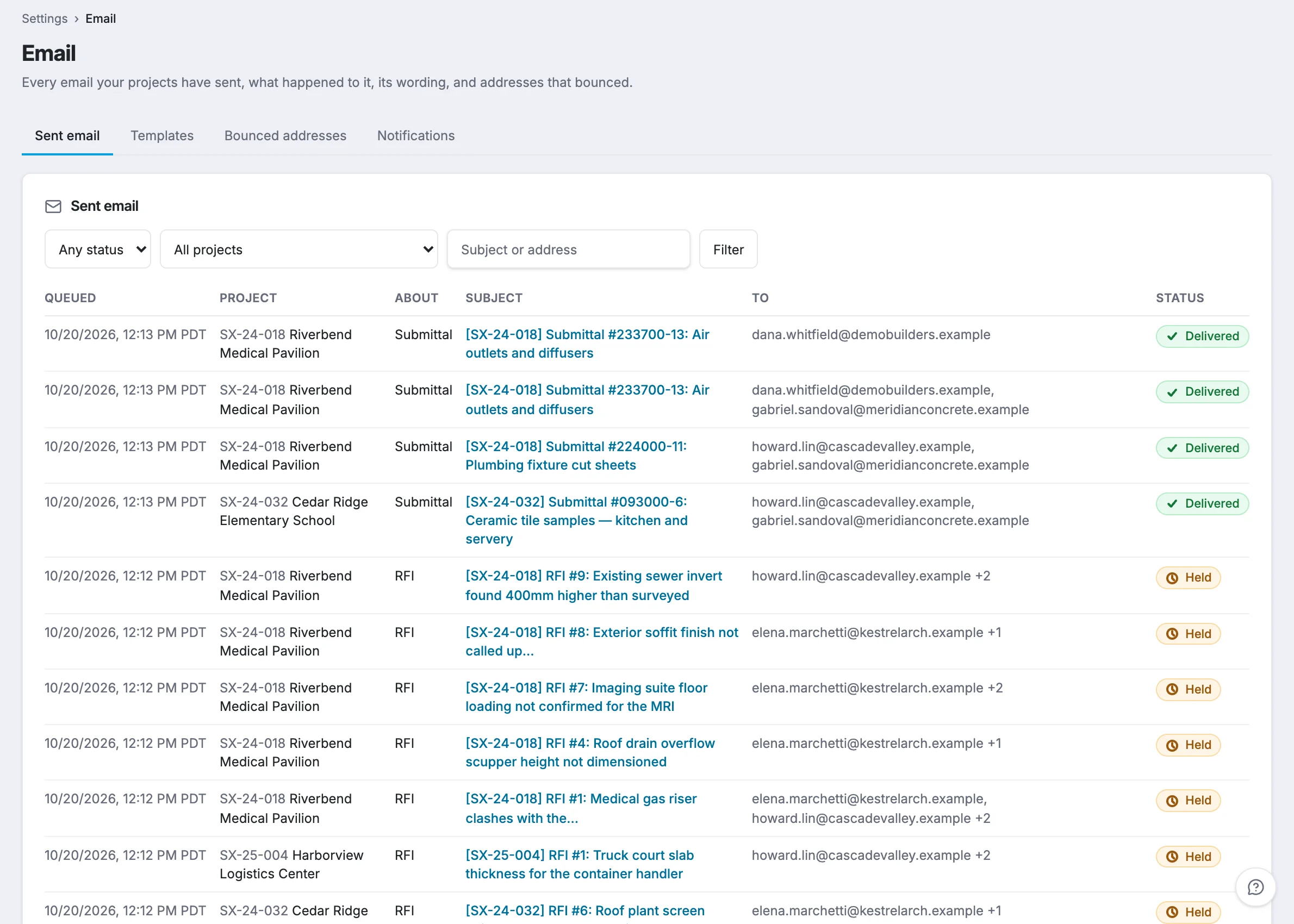
Find an email
- Go to Settings and open Email. The Sent email tab opens, newest first, 50 to a page. Use Older and Newer at the bottom to move between pages.
- Narrow the list with the boxes at the top, then click Filter:
- a status, such as Held or Bounced (starts on Any status),
- a project (starts on All projects),
- words from the subject, or an email address, in Subject or address.
Each row shows when it was queued, the project, what it was about (an RFI, a submittal and so on), the subject, who it was to, and its status.
What the statuses mean
| Status | Meaning |
|---|---|
| Queued | Waiting to go out. |
| Sent | Handed over for delivery. Not every recipient's mail server has reported back yet. |
| Delivered | Every recipient's mail server confirmed it arrived. |
| Bounced | At least one recipient's mail server refused it. That address is added to Bounced addresses. |
| Held | StruXure didn't send it to anyone, for example because every address on it had bounced before. |
| Failed | It couldn't be sent. The message page gives the reason. |
Open an email
Click the subject. You'll see:
- Message: exactly what was sent. Switch between Formatted and Plain text.
- Status: when it was queued and sent, and a link to the record it was about, such as Open the submittal.
- Recipients: each address, whether it was To, CC or BCC, and what that person's mail server said (Delivered, Bounced, Held with the reason, or Awaiting report).
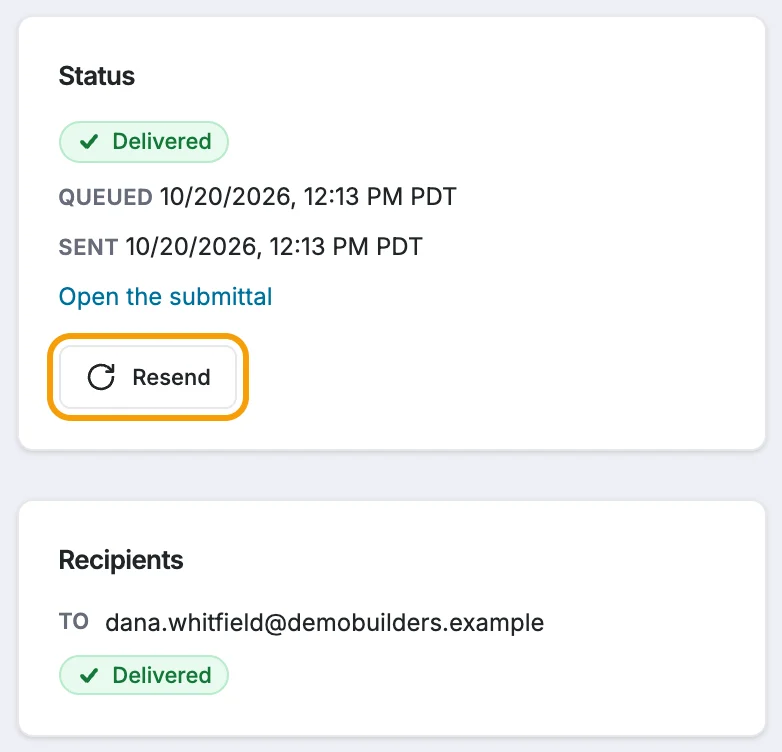
Resend an email
Open the email and click Resend.
Click Send again to confirm.
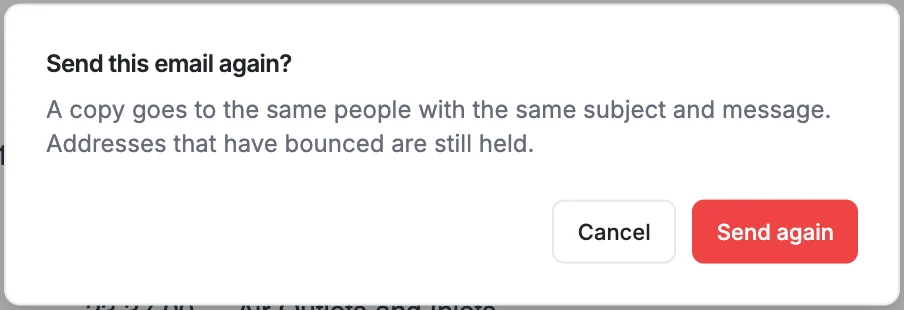
A copy goes to the same people with the same subject and message, and opens so you can watch it. The original stays as it was. Addresses that have bounced are still held, so fix those first (see Clear a bounced address).
Emails brought over from your previous system have no Resend button. They're a record of what was sent there, and are never sent again.
The email pages show the text of every email, including ones about records some people can't open, so only people with Settings — Admin see the Email card.